Spring Boot + GraphQL: Build Your First API
backend
8 min read
Spring Boot + GraphQL: Build Your First API
REST APIs return too much data or too little. Here's how to build a Spring Boot GraphQL API from scratch - with queries, mutations, and error handling that actually makes sense.
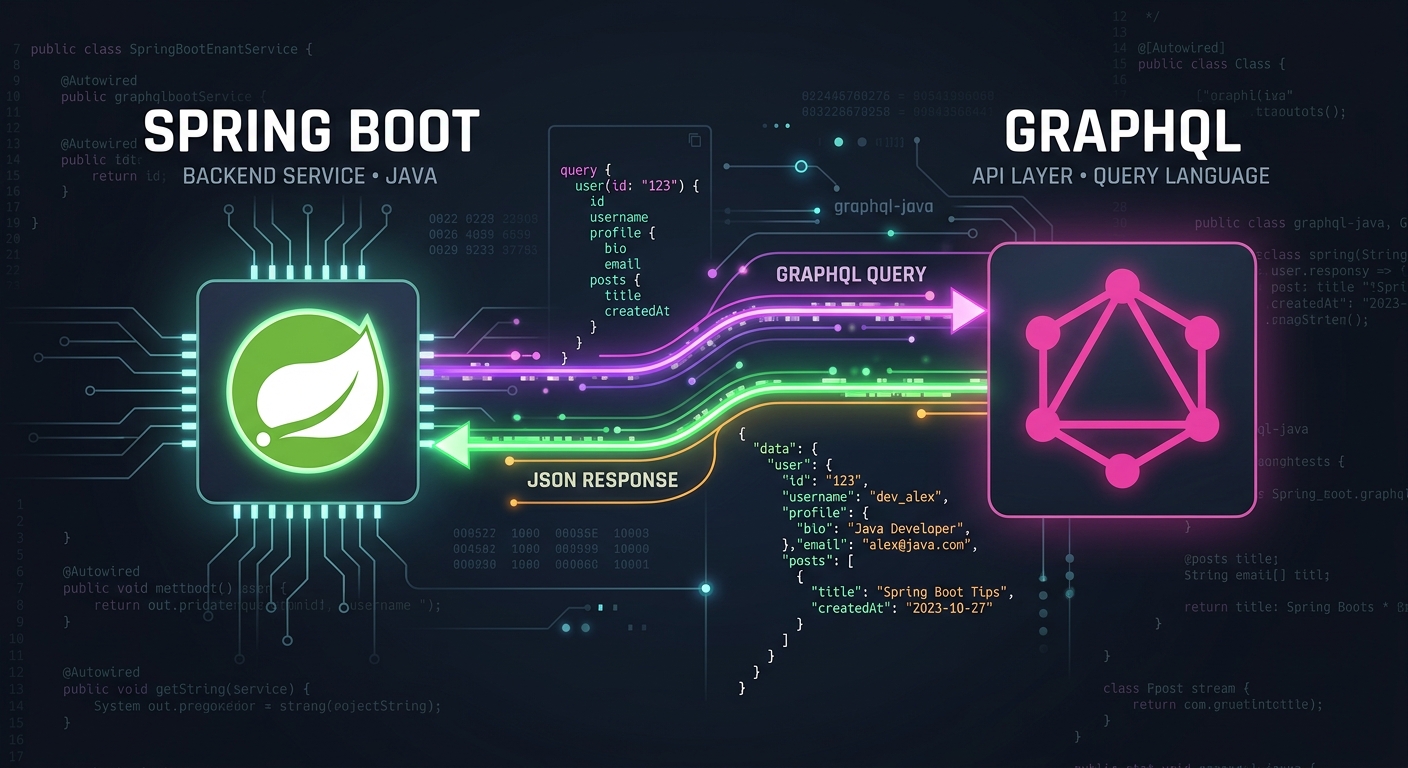
Published By: Nelson Djalo | Date: April 16, 2026
If you've ever built a REST API and found yourself creating five different DTOs just to avoid over-fetching, Spring Boot GraphQL is the answer you've been looking for. Instead of designing endpoints around your backend's convenience, GraphQL lets the client ask for exactly the data it needs - nothing more, nothing less.
In this post, we'll build a complete Spring Boot GraphQL API from the ground up. We'll define a schema, write queries and mutations, handle errors properly, and end up with something you could actually ship. No toy examples with hardcoded lists.
Table of Contents
- Why GraphQL Over REST?
- What You Need
- Project Setup
- Define Your Domain
- Define the GraphQL Schema
- Write the Query Resolvers
- Write the Mutation Resolvers
- Test Your API
- Handle Errors Properly
- Handle the N+1 Problem
- Security Considerations
- What You've Built
Why GraphQL Over REST?
REST works. It's battle-tested and well-understood. But it has real friction points:
- Over-fetching: Your
/api/usersendpoint returns 30 fields when the client only needsnameandemail. - Under-fetching: You need user data plus their orders, so you hit two endpoints and stitch the results together on the client.
- Endpoint sprawl: Every new frontend requirement means a new endpoint or query parameter.
GraphQL solves these by giving clients a single endpoint and a query language to describe exactly what they want. The server resolves it. One request, one response, exactly the shape the client asked for.
That said, GraphQL is not a silver bullet. It adds complexity to your server. If your API is simple CRUD with one consumer, REST is probably fine. GraphQL shines when you have multiple clients (web, mobile, third-party) with different data needs.
What You Need
- JDK 21 (17 works too)
- Spring Boot 3.2+
- Maven or Gradle
- About 20 minutes
Project Setup
Head to start.spring.io and create a new project with these dependencies:
- Spring for GraphQL
- Spring Web
- Spring Data JPA
- H2 Database (swap for PostgreSQL in production)
Or if you already have a Spring Boot project, add the dependency manually:
// Maven - pom.xml
<dependency>
    <groupId>org.springframework.boot</groupId>
    <artifactId>spring-boot-starter-graphql</artifactId>
</dependency>

// Gradle - build.gradle
implementation 'org.springframework.boot:spring-boot-starter-graphql'
Spring Boot auto-configures everything. The GraphQL endpoint will be available at /graphql by default, and GraphiQL (the in-browser IDE) at /graphiql if you enable it:
// application.properties
spring.graphql.graphiql.enabled=true
Define Your Domain
Let's build an API for managing books and authors. Here's the JPA entity:
@Entity
public class Book {

    @Id
    @GeneratedValue(strategy = GenerationType.IDENTITY)
    private Long id;
    private String title;
    private String isbn;
    private int pages;

    @ManyToOne(fetch = FetchType.LAZY)
    @JoinColumn(name = "author_id")
    private Author author;

    // constructors, getters, setters
}

@Entity
public class Author {

    @Id
    @GeneratedValue(strategy = GenerationType.IDENTITY)
    private Long id;
    private String name;
    private String nationality;

    @OneToMany(mappedBy = "author", cascade = CascadeType.ALL)
    private List<Book> books = new ArrayList<>();

    // constructors, getters, setters
}
And a standard Spring Data repository:
public interface BookRepository extends JpaRepository<Book, Long> {
}

public interface AuthorRepository extends JpaRepository<Author, Long> {
}
Nothing unusual here - this is the same JPA setup you'd use with REST.
Define the GraphQL Schema
This is where things diverge from REST. Instead of mapping controllers to URL paths, you define a schema that describes your types and operations. Create this file at src/main/resources/graphql/schema.graphqls:
type Book {
    id: ID!
    title: String!
    isbn: String!
    pages: Int!
    author: Author!
}

type Author {
    id: ID!
    name: String!
    nationality: String!
    books: [Book!]!
}

type Query {
    allBooks: [Book!]!
    bookById(id: ID!): Book
    allAuthors: [Author!]!
}

type Mutation {
    createBook(input: CreateBookInput!): Book!
    deleteBook(id: ID!): Boolean!
}

input CreateBookInput {
    title: String!
    isbn: String!
    pages: Int!
    authorId: ID!
}
The ! means non-nullable. Query defines read operations, Mutation defines write operations. The schema is your API contract - clients can introspect it to discover every operation and type available.
Spring Boot picks up any .graphqls files in the graphql/ resource folder automatically.
Write the Query Resolvers
In Spring for GraphQL, you map schema operations to Java methods using @QueryMapping and @MutationMapping. Create a controller:
@Controller
public class BookController {

    private final BookRepository bookRepository;
    private final AuthorRepository authorRepository;

    public BookController(BookRepository bookRepository,
                          AuthorRepository authorRepository) {
        this.bookRepository = bookRepository;
        this.authorRepository = authorRepository;
    }

    @QueryMapping
    public List<Book> allBooks() {
        return bookRepository.findAll();
    }

    @QueryMapping
    public Optional<Book> bookById(@Argument Long id) {
        return bookRepository.findById(id);
    }

    @QueryMapping
    public List<Author> allAuthors() {
        return authorRepository.findAll();
    }
}
Notice there's no @RestController here - just @Controller. The @QueryMapping annotation tells Spring that allBooks() resolves the allBooks query in the schema. The method name must match the schema field name (or you can specify it explicitly with @QueryMapping("customName")).
The @Argument annotation binds the id parameter from the GraphQL query to the Java method parameter.
Write the Mutation Resolvers
Mutations follow the same pattern:
@Controller
public class BookMutationController {

    private final BookRepository bookRepository;
    private final AuthorRepository authorRepository;

    public BookMutationController(BookRepository bookRepository,
                                   AuthorRepository authorRepository) {
        this.bookRepository = bookRepository;
        this.authorRepository = authorRepository;
    }

    @MutationMapping
    public Book createBook(@Argument CreateBookInput input) {
        Author author = authorRepository.findById(input.authorId())
                .orElseThrow(() -> new IllegalArgumentException(
                        "Author not found with id: " + input.authorId()));

        Book book = new Book();
        book.setTitle(input.title());
        book.setIsbn(input.isbn());
        book.setPages(input.pages());
        book.setAuthor(author);

        return bookRepository.save(book);
    }

    @MutationMapping
    public boolean deleteBook(@Argument Long id) {
        if (!bookRepository.existsById(id)) {
            throw new IllegalArgumentException("Book not found with id: " + id);
        }
        bookRepository.deleteById(id);
        return true;
    }
}

public record CreateBookInput(
        String title,
        String isbn,
        int pages,
        Long authorId
) {}
The CreateBookInput record maps directly to the input CreateBookInput type in the schema. Spring handles the deserialization.
Test Your API
Start the app and open http://localhost:8080/graphiql. This gives you an interactive playground. Try this query:
query {
  allBooks {
    id
    title
    author {
      name
    }
  }
}
The beauty of Spring Boot GraphQL is right here - the client asked for id, title, and just the author's name. No over-fetching. If the mobile team only needs title and isbn, they send a different query. Same endpoint, same server code.
Now try a mutation:
mutation {
  createBook(input: {
    title: "Clean Code"
    isbn: "978-0132350884"
    pages: 464
    authorId: 1
  }) {
    id
    title
    author {
      name
    }
  }
}
The response includes exactly the fields you asked for in the selection set after the mutation.
Handle Errors Properly
The default error handling in Spring GraphQL is decent, but you'll want to customize it for production. Implement a DataFetcherExceptionResolverAdapter:
@Component
public class GraphQLExceptionHandler
        extends DataFetcherExceptionResolverAdapter {

    @Override
    protected GraphQLError resolveToSingleError(
            Throwable ex, DataFetchingEnvironment env) {

        if (ex instanceof IllegalArgumentException) {
            return GraphqlErrorBuilder.newError(env)
                    .message(ex.getMessage())
                    .errorType(ErrorType.BAD_REQUEST)
                    .build();
        }

        // Don't leak internal errors to clients
        return GraphqlErrorBuilder.newError(env)
                .message("An unexpected error occurred")
                .errorType(ErrorType.INTERNAL_ERROR)
                .build();
    }
}
This catches exceptions thrown in your resolvers and converts them into structured GraphQL errors. Without this, stack traces can leak to the client - which is a security problem and a terrible developer experience for your API consumers.
For validation, you can also use Spring's @Valid annotation on input arguments and register a ConstraintViolationException handler the same way.
Handle the N+1 Problem
If you query allBooks and each book fetches its author, you'll hit the database once for the books list and then once per book for the author. That's the classic N+1 problem, and it will destroy your performance.
Spring for GraphQL supports batch loading out of the box with @BatchMapping:
@Controller
public class AuthorBatchController {

    private final AuthorRepository authorRepository;

    public AuthorBatchController(AuthorRepository authorRepository) {
        this.authorRepository = authorRepository;
    }

    @BatchMapping
    public Map<Book, Author> author(List<Book> books) {
        List<Long> authorIds = books.stream()
                .map(b -> b.getAuthor().getId())
                .distinct()
                .toList();

        Map<Long, Author> authorMap = authorRepository
                .findAllById(authorIds)
                .stream()
                .collect(Collectors.toMap(Author::getId, a -> a));

        return books.stream()
                .collect(Collectors.toMap(
                        b -> b,
                        b -> authorMap.get(b.getAuthor().getId())
                ));
    }
}
@BatchMapping collects all the author field requests from a single query and resolves them in one batch. Instead of N+1 queries, you get exactly 2: one for books, one for all referenced authors.
Security Considerations
In production, you'll want to:
- Limit query depth - prevent clients from sending deeply nested queries that overload your server
- Limit query complexity - cap the total cost of a query
- Disable introspection in production - don't let anyone discover your full schema
Spring for GraphQL lets you configure these through RuntimeWiringConfigurer or by setting properties:
// application.properties
spring.graphql.schema.introspection.enabled=false
For authentication, Spring Security integrates with Spring GraphQL. You can use @PreAuthorize directly on your controller methods:
@QueryMapping
@PreAuthorize("hasRole('ADMIN')")
public List<Book> allBooks() {
    return bookRepository.findAll();
}
What You've Built
You now have a working Spring Boot GraphQL API with:
- A typed schema that serves as your API contract
- Query resolvers for reading data
- Mutation resolvers for writing data
- Proper error handling that doesn't leak internals
- Batch loading to avoid N+1 performance issues
- Security considerations for production
This is a solid foundation. From here, you'd add subscriptions for real-time updates, pagination with cursor-based connections, and file uploads if your domain needs them.
If you want to go deeper into Spring for GraphQL - including subscriptions, testing strategies, and production patterns - the Spring for GraphQL course covers everything end-to-end with a real project you build alongside the lessons.
GraphQL is not a replacement for REST everywhere, but for APIs serving multiple clients with different data requirements, Spring Boot GraphQL is one of the cleanest ways to build it in Java. Set up takes minutes, the developer experience with GraphiQL is excellent, and Spring's integration means you keep all the tooling you already know - Security, JPA, validation, testing.
Start small. Pick one internal API. Build it with GraphQL. You'll know pretty quickly whether it fits your use case.
Related Articles
9 Books That Made Me a Better Software Engineer (Not the Usual List)
Skip the generic recommendations. These 9 books changed how I write code, lead teams, and think about systems - from Clean Code to books most devs haven't heard of.

How to Become a Java Full Stack Developer in 2025 (Step-by-Step)
The exact skills, tools, and learning order to go from zero to hired as a Java full stack developer. Covers Spring Boot, React, databases, Docker, and what employers actually look for.
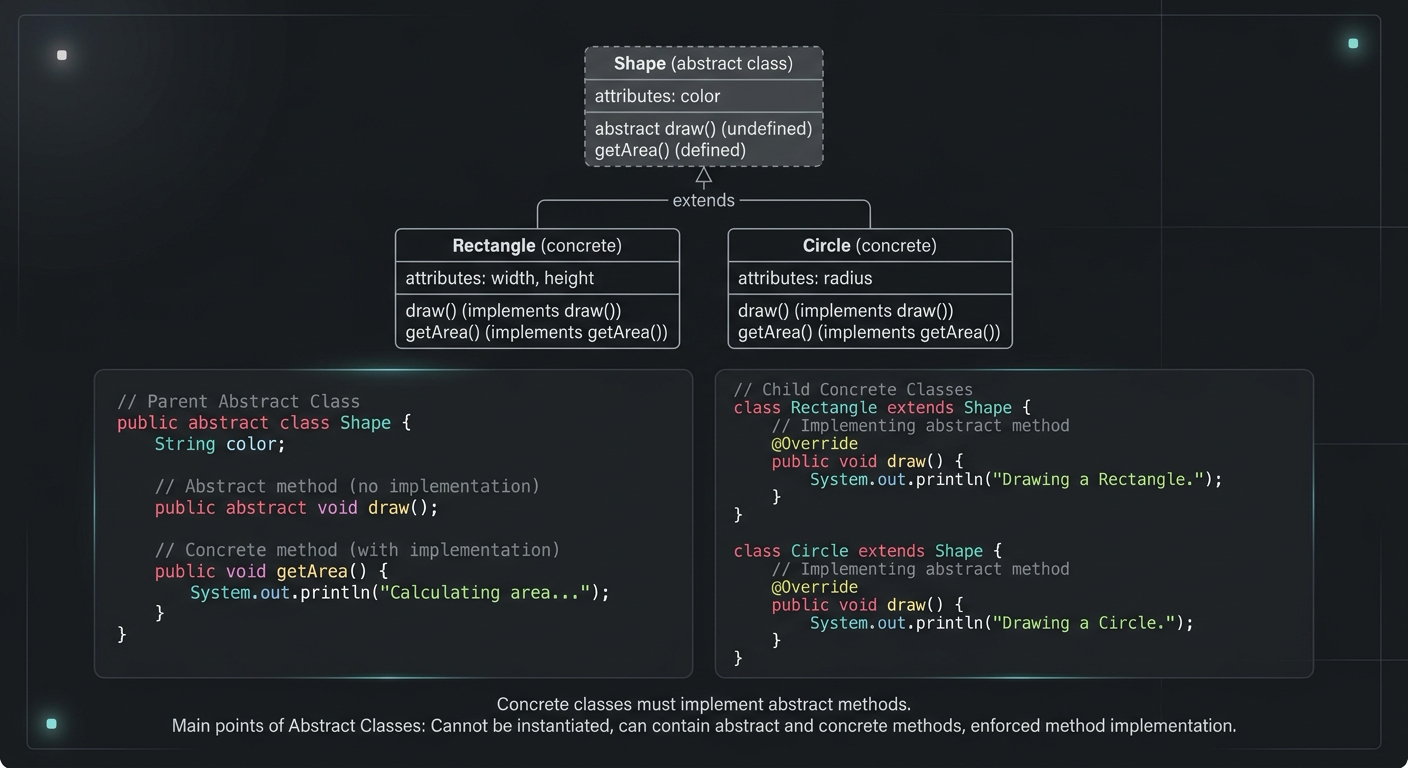
Abstract Class in Java (With Real-World Examples)
Abstract classes in Java are one of the most misunderstood OOP concepts. Here's a practical guide with real-world examples, code you can actually use, and the mistakes most devs make.
Your Career Transformation Starts Now
Join thousands of developers mastering in-demand skills with Amigoscode. Try it free today.