Spring Boot Pagination and Sorting (Complete Guide)
backend
8 min read
Spring Boot Pagination and Sorting (Complete Guide)
Stop returning thousands of records at once. Here's how to add pagination and sorting to your Spring Boot REST API with Spring Data JPA - with copy-paste code examples.

Published By: Nelson Djalo | Date: April 5, 2026
If your API returns a list of 10,000 records in a single response, we need to talk.
Pagination isn't optional. It's how you keep your API fast, your database happy, and your frontend from choking on data it can't render. Spring Boot makes this ridiculously easy with Spring Data JPA, and I'm going to walk you through the whole thing - from entity to controller - with code you can copy straight into your project.
Table of Contents
- Why You Need Pagination
- Project Setup
- The Entity
- The Repository
- The Service Layer
- Custom PaginatedResponse DTO
- The Controller
- Testing It Out
- Sorting
- Multi-Column Sorting
- Common Mistakes
- FAQ
- Conclusion
Why You Need Pagination
Here's the deal. Without pagination, every request to your API fetches everything from the database. That might work when you have 50 records. But when you have 50,000? Your API response time goes through the roof, your database connection pool gets hammered, and your users stare at a loading spinner.
Pagination solves this by breaking results into chunks. The client asks for page 0 with 20 items, they get 20 items. They want the next page? They ask for page 1. Simple.
If you're building REST APIs with Spring Boot and haven't set up pagination yet, check out the full Building APIs with Spring Boot course. It covers this and a lot more.
Project Setup
You need two dependencies in your pom.xml:
<dependency>
    <groupId>org.springframework.boot</groupId>
    <artifactId>spring-boot-starter-web</artifactId>
</dependency>
<dependency>
    <groupId>org.springframework.boot</groupId>
    <artifactId>spring-boot-starter-data-jpa</artifactId>
</dependency>
That's it. Spring Data JPA ships with everything you need for pagination and sorting out of the box. If you want a deeper dive into JPA, the Spring Data JPA course covers entities, repositories, relationships, and querying in detail.
The Entity
Let's say you're building a product catalog. Here's the entity:
@Entity
@Table(name = "products")
public class Product {

    @Id
    @GeneratedValue(strategy = GenerationType.IDENTITY)
    private Long id;

    @Column(nullable = false)
    private String name;

    @Column(nullable = false)
    private String category;

    @Column(nullable = false)
    private Double price;

    @Column(name = "created_at", nullable = false)
    private LocalDateTime createdAt;

    // constructors, getters, setters
}
Nothing fancy. A product with a name, category, price, and timestamp. This is the table we're going to paginate over.
The Repository
Here's where the magic happens. Instead of writing pagination SQL yourself, you extend JpaRepository which already gives you PagingAndSortingRepository capabilities:
@Repository
public interface ProductRepository extends JpaRepository<Product, Long> {

    Page<Product> findByCategory(String category, Pageable pageable);
}
That's the entire repository. JpaRepository extends PagingAndSortingRepository, so any method that accepts a Pageable parameter will automatically handle pagination and sorting. The findByCategory method shows you can combine Spring Data query derivation with pagination too.
The Service Layer
The service layer is where you build the Pageable object and pass it to the repository:
@Service
public class ProductService {

    private final ProductRepository productRepository;

    public ProductService(ProductRepository productRepository) {
        this.productRepository = productRepository;
    }

    public Page<Product> getProducts(int page, int size, String sortBy, String direction) {
        Sort sort = direction.equalsIgnoreCase("desc")
                ? Sort.by(sortBy).descending()
                : Sort.by(sortBy).ascending();

        Pageable pageable = PageRequest.of(page, size, sort);
        return productRepository.findAll(pageable);
    }

    public Page<Product> getProductsByCategory(String category, int page, int size) {
        Pageable pageable = PageRequest.of(page, size, Sort.by("name").ascending());
        return productRepository.findByCategory(category, pageable);
    }
}
PageRequest.of(page, size, sort) does the heavy lifting. It tells Spring Data which page you want, how many items per page, and how to sort the results. Spring then generates the correct LIMIT and OFFSET SQL for your database.
Custom PaginatedResponse DTO
Spring's Page object contains a lot of metadata. But you probably don't want to expose all of it to your API clients. Let's create a clean DTO:
public class PaginatedResponse<T> {

    private List<T> content;
    private int currentPage;
    private int totalPages;
    private long totalElements;
    private int pageSize;
    private boolean last;

    public PaginatedResponse(Page<T> page) {
        this.content = page.getContent();
        this.currentPage = page.getNumber();
        this.totalPages = page.getTotalPages();
        this.totalElements = page.getTotalElements();
        this.pageSize = page.getSize();
        this.last = page.isLast();
    }

    // getters and setters
}
This gives your frontend exactly what it needs: the data, the current page number, total pages for building pagination controls, and a flag to know when they've hit the last page. No extra noise.
The Controller
Now let's wire it all together in the controller:
@RestController
@RequestMapping("/api/v1/products")
public class ProductController {

    private final ProductService productService;

    public ProductController(ProductService productService) {
        this.productService = productService;
    }

    @GetMapping
    public ResponseEntity<PaginatedResponse<Product>> getProducts(
            @RequestParam(defaultValue = "0") int page,
            @RequestParam(defaultValue = "10") int size,
            @RequestParam(defaultValue = "id") String sortBy,
            @RequestParam(defaultValue = "asc") String direction
    ) {
        Page<Product> productPage = productService.getProducts(page, size, sortBy, direction);
        return ResponseEntity.ok(new PaginatedResponse<>(productPage));
    }

    @GetMapping("/category/{category}")
    public ResponseEntity<PaginatedResponse<Product>> getProductsByCategory(
            @PathVariable String category,
            @RequestParam(defaultValue = "0") int page,
            @RequestParam(defaultValue = "10") int size
    ) {
        Page<Product> productPage = productService.getProductsByCategory(category, page, size);
        return ResponseEntity.ok(new PaginatedResponse<>(productPage));
    }
}
Each @RequestParam has a sensible default. If the client doesn't specify anything, they get page 0, 10 items, sorted by ID ascending. This is a good pattern to follow for all your paginated endpoints.
For more patterns like this, check out Top 10 Spring Boot REST API Best Practices.
Testing It Out
Fire up your app and hit the endpoint:
GET /api/v1/products?page=0&size=5&sortBy=price&direction=desc
You'll get back something like this:
{
  "content": [
    { "id": 42, "name": "Premium Widget", "category": "electronics", "price": 299.99 },
    { "id": 17, "name": "Deluxe Gadget", "category": "electronics", "price": 249.99 },
    { "id": 8, "name": "Pro Tool", "category": "tools", "price": 199.99 },
    { "id": 31, "name": "Smart Device", "category": "electronics", "price": 179.99 },
    { "id": 5, "name": "Quality Item", "category": "home", "price": 149.99 }
  ],
  "currentPage": 0,
  "totalPages": 12,
  "totalElements": 58,
  "pageSize": 5,
  "last": false
}
Clean, predictable, and easy for any frontend to consume.
Sorting
You already saw sorting in the examples above, but let's break it down. The Sort class gives you a lot of flexibility:
// Single field ascending
Sort sort = Sort.by("name").ascending();

// Single field descending
Sort sort = Sort.by("price").descending();

// Default unsorted
Sort sort = Sort.unsorted();
When the client passes sortBy=price&direction=desc, your service builds the right Sort object and passes it into the PageRequest. Spring Data translates this into an ORDER BY clause in the generated SQL.
Multi-Column Sorting
Sometimes you need to sort by multiple fields. For example, sort by category first, then by price within each category:
Sort sort = Sort.by("category").ascending()
        .and(Sort.by("price").descending());

Pageable pageable = PageRequest.of(page, size, sort);
You can also accept multiple sort parameters from the client and chain them together:
public Page<Product> getProducts(int page, int size, List<String> sortFields) {
    List<Sort.Order> orders = sortFields.stream()
            .map(field -> {
                if (field.startsWith("-")) {
                    return Sort.Order.desc(field.substring(1));
                }
                return Sort.Order.asc(field);
            })
            .toList();

    Pageable pageable = PageRequest.of(page, size, Sort.by(orders));
    return productRepository.findAll(pageable);
}
This lets clients send something like sort=category&sort=-price to sort by category ascending and price descending.
Common Mistakes
Not setting a max page size. If someone sends size=1000000, your database won't be happy. Add a cap:
int validSize = Math.min(size, 100);
Pageable pageable = PageRequest.of(page, validSize, sort);
Returning the raw Page object. The default serialization includes internal Spring metadata that's messy. Use the PaginatedResponse DTO instead.
Using pagination on small datasets. If your table has 20 rows and will never grow, pagination adds unnecessary complexity. Be pragmatic.
Forgetting that pages are zero-indexed. Page 0 is the first page in Spring Data. If your frontend uses 1-based indexing, subtract 1 before creating the PageRequest.
FAQ
What's the difference between Page and Slice in Spring Data?
Page runs an extra COUNT query to know the total number of elements and pages. Slice skips that count query and only knows if there's a next page. Use Slice when you don't need total counts - like infinite scroll UIs - because it's faster.
Can I use pagination with native queries?
Yes. Add a countQuery parameter to your @Query annotation:
@Query(value = "SELECT * FROM products WHERE price > ?1",
       countQuery = "SELECT COUNT(*) FROM products WHERE price > ?1",
       nativeQuery = true)
Page<Product> findExpensiveProducts(Double minPrice, Pageable pageable);
How do I paginate results from a custom JOIN query?
The same way. Just make sure you provide the countQuery for native queries. For JPQL queries, Spring can usually derive the count query automatically. If it can't, add it manually.
What happens if I request a page that doesn't exist?
Spring Data returns an empty Page object with an empty content list. It won't throw an exception. Your PaginatedResponse will show totalElements and totalPages correctly, and content will be an empty array.
Should I use Pageable in every repository method?
No. Only add Pageable parameters to methods that genuinely need pagination. If a method always returns a single result or a small fixed set, skip it.
Conclusion
Pagination and sorting in Spring Boot takes about 15 minutes to set up and saves you from real performance problems down the road. The pattern is always the same: accept page/size/sort params, build a PageRequest, pass it to your repository, and wrap the result in a clean DTO.
If you're serious about leveling up your Spring Boot skills, the Spring Boot Roadmap lays out everything you should learn and in what order. And if you want the hands-on, project-based approach, check out Building APIs with Spring Boot where we build a full production API from scratch.
Related Articles

9 Books That Made Me a Better Software Engineer (Not the Usual List)
Skip the generic recommendations. These 9 books changed how I write code, lead teams, and think about systems - from Clean Code to books most devs haven't heard of.

How to Become a Java Full Stack Developer in 2025 (Step-by-Step)
The exact skills, tools, and learning order to go from zero to hired as a Java full stack developer. Covers Spring Boot, React, databases, Docker, and what employers actually look for.
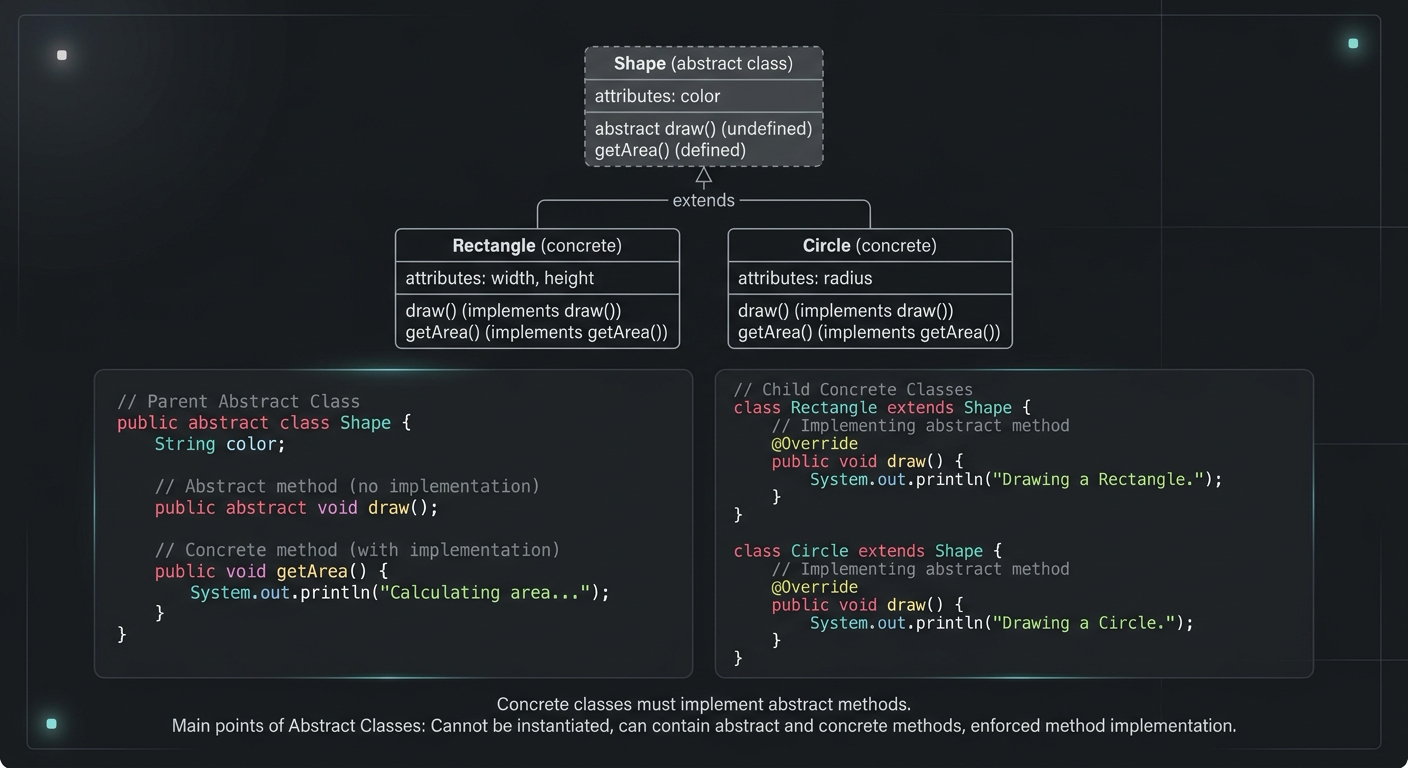
Abstract Class in Java (With Real-World Examples)
Abstract classes in Java are one of the most misunderstood OOP concepts. Here's a practical guide with real-world examples, code you can actually use, and the mistakes most devs make.
Your Career Transformation Starts Now
Join thousands of developers mastering in-demand skills with Amigoscode. Try it free today.