How to Schedule Tasks in Spring Boot (@Scheduled)
backend
9 min read
How to Schedule Tasks in Spring Boot (@Scheduled)
Master the Spring Boot scheduler with @Scheduled, cron expressions, async tasks, and production-ready patterns. Everything you need to automate recurring jobs in your application.
Published By: Nelson Djalo | Date: April 18, 2026
The Spring Boot scheduler is one of those features you reach for constantly once you know it exists. Send a nightly report email, clean up expired tokens every hour, sync data from an external API every five minutes - all of these are scheduling problems, and Spring Boot handles them with a single annotation and zero external dependencies.
No Quartz. No separate cron daemon. No message queue. Just @Scheduled on a method and you are done. This tutorial covers everything from the basics to production-grade patterns that will keep your scheduled tasks reliable under real load.
Table of Contents
- Enabling Scheduling
- Fixed Rate Scheduling
- Fixed Delay Scheduling
- Cron Expressions
- Error Handling
- Async Scheduled Tasks
- Dynamic Scheduling
- Conditional Scheduling
- Production Considerations
- When to Use @Scheduled vs External Schedulers
- Summary
Enabling Scheduling
Before any @Scheduled annotation does anything, you need to flip the switch. Add @EnableScheduling to any @Configuration class - most people drop it on the main application class:
@SpringBootApplication
@EnableScheduling
public class Application {
    public static void main(String[] args) {
        SpringApplication.run(Application.class, args);
    }
}
That is it. Spring now scans for @Scheduled methods and registers them with an internal TaskScheduler. By default it uses a single-threaded executor, which matters later when you have multiple tasks. We will fix that.
Fixed Rate Scheduling
The simplest scheduling pattern runs a method at a fixed interval, measured from the start of each execution:
@Component
public class TokenCleanupTask {

    private static final Logger log = LoggerFactory.getLogger(TokenCleanupTask.class);

    @Scheduled(fixedRate = 60_000) // every 60 seconds
    public void purgeExpiredTokens() {
        log.info("Running expired token cleanup");
        // delete tokens where expiry < now
    }
}
fixedRate = 60_000 means "start a new execution every 60 seconds regardless of how long the previous one took." If your method takes 45 seconds and the rate is 60 seconds, the next run starts 15 seconds after the previous one finishes. If the method takes longer than the interval, the next execution fires immediately after the current one completes.
You can also specify the value as a string with a property placeholder:
@Scheduled(fixedRateString = "${cleanup.interval.ms:60000}")This pulls the interval from application.properties (or application.yml) and falls back to 60 seconds if the property is missing. Useful for tuning intervals per environment without redeploying.
Fixed Delay Scheduling
Fixed delay measures from the end of the previous execution:
@Scheduled(fixedDelay = 30_000)
public void syncExternalData() {
    log.info("Syncing data from external API");
    // call external service, update local records
}
If the method takes 10 seconds, the next run starts 30 seconds after it finishes - so 40 seconds between starts. This is the right choice when you cannot afford overlapping executions. Think database migrations, payment reconciliation, or anything where running two instances simultaneously would corrupt state.
Initial Delay
Both fixedRate and fixedDelay support an initialDelay to prevent the task from firing the instant the application starts:
@Scheduled(fixedDelay = 30_000, initialDelay = 10_000)
public void syncExternalData() {
    // waits 10 seconds after startup, then every 30 seconds after each run
}
This gives your app time to finish initializing - database connections, cache warming, health checks - before your task starts consuming resources.
Cron Expressions
When you need calendar-aware scheduling - "every weekday at 2 AM" or "first Monday of the month at midnight" - cron expressions are what you reach for:
@Scheduled(cron = "0 0 2 * * MON-FRI")
public void generateDailyReport() {
    log.info("Generating daily report");
    // build and email the report
}
Spring uses a six-field cron format:
second  minute  hour  day-of-month  month  day-of-week
  0       0       2       *           *      MON-FRI
Here are a few cron expressions you will actually use:
| Expression | Meaning |
|---|---|
0 0 * * * * | Every hour on the hour |
0 0 2 * * * | Every day at 2:00 AM |
0 0 9-17 * * MON-FRI | Every hour from 9 AM to 5 PM, weekdays |
0 0/15 * * * * | Every 15 minutes |
0 0 0 1 * * | First day of every month at midnight |
By default, cron expressions evaluate against the server timezone. To make it explicit:
@Scheduled(cron = "0 0 2 * * *", zone = "Europe/London")
public void generateDailyReport() {
    // always runs at 2 AM London time
}
Like fixed rate and delay, you can externalize cron expressions:
@Scheduled(cron = "${report.cron:0 0 2 * * *}")
public void generateDailyReport() {
    // cron from properties, default fallback
}
Error Handling
A scheduled method that throws an exception will not stop the scheduler - Spring catches it and logs the error. But the default logging is minimal, and you probably want to take action: send an alert, update a health check, or retry. Wrap your logic explicitly:
@Scheduled(fixedDelay = 60_000)
public void processPayments() {
    try {
        paymentService.reconcile();
    } catch (TransientException e) {
        log.warn("Transient error during reconciliation, will retry next cycle", e);
    } catch (Exception e) {
        log.error("Payment reconciliation failed", e);
        alertService.notifyOncall("Payment reconciliation failed: " + e.getMessage());
    }
}
For a global error handler across all scheduled tasks, register a custom ErrorHandler:
@Configuration
public class SchedulingConfig implements SchedulingConfigurer {

    @Override
    public void configureTasks(ScheduledTaskRegistrar taskRegistrar) {
        ThreadPoolTaskScheduler scheduler = new ThreadPoolTaskScheduler();
        scheduler.setPoolSize(4);
        scheduler.setErrorHandler(t ->
            log.error("Scheduled task threw an exception", t)
        );
        scheduler.setThreadNamePrefix("scheduled-");
        scheduler.initialize();
        taskRegistrar.setTaskScheduler(scheduler);
    }
}
This also solves the single-thread problem. Which brings us to the next topic.
Async Scheduled Tasks
By default, Spring runs all @Scheduled methods on a single thread. If one task takes five minutes, every other task is blocked for five minutes. That is almost never what you want in production.
Two approaches fix this.
Option 1: Increase the Thread Pool
The SchedulingConfigurer example above sets setPoolSize(4). Now four tasks can run concurrently. Simple and effective.
Option 2: Combine @Async with @Scheduled
If you want each task to run on its own thread from a shared async pool:
@SpringBootApplication
@EnableScheduling
@EnableAsync
public class Application {
    public static void main(String[] args) {
        SpringApplication.run(Application.class, args);
    }
}@Component
public class HeavyTasks {
@Async
@Scheduled(fixedRate = 60_000)
public void longRunningSync() {
// runs on the async executor, does not block other scheduled tasks
}
}The @Async annotation offloads execution to a separate thread pool. The scheduler thread returns immediately, freeing it for the next task. Just make sure the async method returns void or CompletableFuture - Spring will ignore return values from scheduled methods anyway.
Configure the async pool explicitly so you are not relying on defaults:
@Configuration
public class AsyncConfig {

    @Bean(name = "taskExecutor")
    public Executor taskExecutor() {
        ThreadPoolTaskExecutor executor = new ThreadPoolTaskExecutor();
        executor.setCorePoolSize(4);
        executor.setMaxPoolSize(8);
        executor.setQueueCapacity(50);
        executor.setThreadNamePrefix("async-task-");
        executor.initialize();
        return executor;
    }
}
Dynamic Scheduling
Sometimes you need the schedule itself to change at runtime - maybe an admin adjusts a polling interval through a dashboard, or you back off during low-traffic hours. The @Scheduled annotation is static, so you need SchedulingConfigurer:
@Configuration
public class DynamicSchedulingConfig implements SchedulingConfigurer {

    @Autowired
    private ScheduleSettingsRepository settingsRepo;

    @Override
    public void configureTasks(ScheduledTaskRegistrar taskRegistrar) {
        taskRegistrar.addTriggerTask(
            () -> syncService.performSync(),
            triggerContext -> {
                long intervalMs = settingsRepo.getSyncIntervalMs();
                Instant lastExecution = triggerContext.lastCompletion();
                return (lastExecution != null)
                    ? lastExecution.plusMillis(intervalMs)
                    : Instant.now().plusMillis(intervalMs);
            }
        );
    }
}
Every time the task completes, the trigger callback queries the repository for the current interval. Change the value in the database and the next execution picks it up automatically - no restart needed.
Conditional Scheduling
You might want to disable scheduling entirely in certain environments - local development, test suites, or a read-only replica. Spring profiles handle this cleanly:
@Configuration
@EnableScheduling
@Profile("!test")
public class SchedulingConfig {
    // scheduling only activates when "test" profile is NOT active
}
Or disable a specific task with a property:
@Scheduled(cron = "${report.cron:-}")
public void generateDailyReport() {
    // cron = "-" disables the task
}
Setting report.cron=- in your properties file tells Spring to skip that task entirely. This is a built-in convention - no custom code required.
Production Considerations
The Spring Boot scheduler works well for single-instance applications. Once you scale to multiple pods or servers, here is what you need to think about.
Distributed Locking
If you deploy three instances and each one has @Scheduled(cron = "0 0 2 * * *"), you get three copies of your nightly report. Use ShedLock to ensure only one instance runs a given task:
@Scheduled(cron = "0 0 2 * * *")
@SchedulerLock(name = "dailyReport", lockAtLeastFor = "5m", lockAtMostFor = "30m")
public void generateDailyReport() {
    reportService.generate();
}
ShedLock stores locks in your database (Postgres, Mongo, Redis - your choice). It is lightweight, proven, and requires minimal setup.
Monitoring and Observability
Scheduled tasks run silently in the background. When they fail, nobody notices until a customer complains. At minimum:
- Log the start and end of every task execution with elapsed time
- Expose task status via Spring Boot Actuator health indicators
- Set up alerts for tasks that have not run within their expected window
@Scheduled(fixedDelay = 60_000)
public void monitoredTask() {
    long start = System.currentTimeMillis();
    log.info("Task started");
    try {
        businessLogic.execute();
        meterRegistry.counter("scheduled.task.success", "name", "monitoredTask").increment();
    } catch (Exception e) {
        meterRegistry.counter("scheduled.task.failure", "name", "monitoredTask").increment();
        throw e;
    } finally {
        long elapsed = System.currentTimeMillis() - start;
        meterRegistry.timer("scheduled.task.duration", "name", "monitoredTask")
            .record(elapsed, TimeUnit.MILLISECONDS);
        log.info("Task completed in {}ms", elapsed);
    }
}
Graceful Shutdown
When your app receives a shutdown signal, in-flight scheduled tasks might get killed mid-execution. Configure graceful shutdown:
spring:
  lifecycle:
    timeout-per-shutdown-phase: 30s

server:
  shutdown: graceful
And set setWaitForTasksToCompleteOnShutdown(true) on your ThreadPoolTaskScheduler to let running tasks finish before the JVM exits.
When to Use @Scheduled vs External Schedulers
The built-in Spring Boot scheduler is perfect for:
- Simple recurring tasks within a single application
- Jobs that do not need to survive application restarts
- Lightweight operations (cleanup, cache refresh, notifications)
Consider external tools (Quartz, Kubernetes CronJobs, cloud schedulers) when you need:
- Persistent job state that survives restarts
- Complex job dependencies or workflows
- Distributed scheduling across a cluster without ShedLock
- Job management UI with pause, resume, and manual trigger
For most Spring Boot applications, @Scheduled with ShedLock covers 90% of real-world scheduling needs. If you are building APIs with Spring Boot and want the full picture - REST endpoints, data access, security, and tasks like scheduling - check out the Building APIs with Spring Boot course.
Summary
The Spring Boot scheduler gives you lightweight, annotation-driven task scheduling out of the box. Use fixedRate for periodic polling, fixedDelay for sequential processing, and cron expressions for calendar-based jobs. Handle errors explicitly, increase the thread pool beyond the single-thread default, and add ShedLock the moment you run more than one instance. Externalize your schedules through properties so you can tune them without redeploying. And always monitor your tasks - background jobs that fail silently are the ones that cause the worst production incidents.
Related Articles

9 Books That Made Me a Better Software Engineer (Not the Usual List)
Skip the generic recommendations. These 9 books changed how I write code, lead teams, and think about systems - from Clean Code to books most devs haven't heard of.

How to Become a Java Full Stack Developer in 2025 (Step-by-Step)
The exact skills, tools, and learning order to go from zero to hired as a Java full stack developer. Covers Spring Boot, React, databases, Docker, and what employers actually look for.
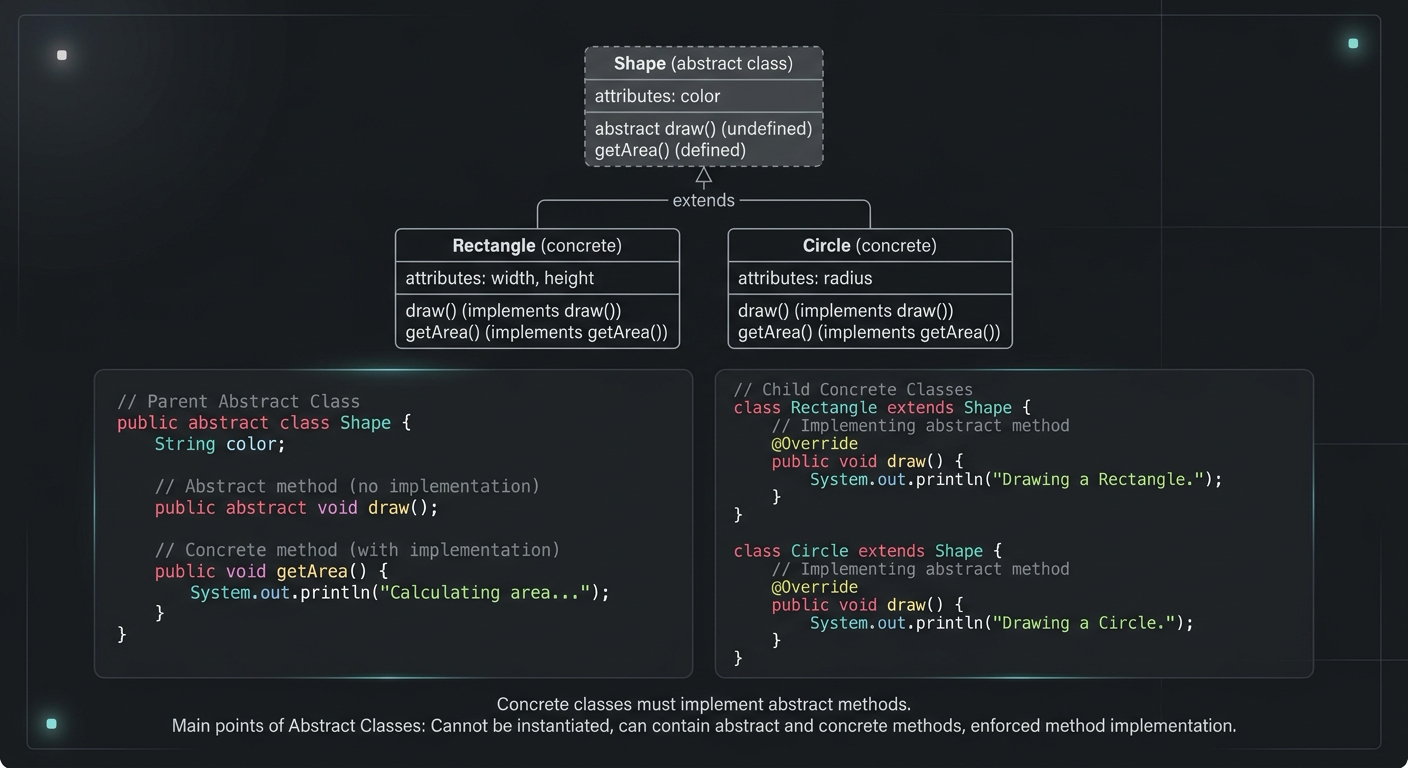
Abstract Class in Java (With Real-World Examples)
Abstract classes in Java are one of the most misunderstood OOP concepts. Here's a practical guide with real-world examples, code you can actually use, and the mistakes most devs make.
Your Career Transformation Starts Now
Join thousands of developers mastering in-demand skills with Amigoscode. Try it free today.