Comparable vs Comparator in Java (With Code Examples)
backend
8 min read
Comparable vs Comparator in Java (With Code Examples)
Confused about Comparable vs Comparator in Java? Here's the plain-English difference, when to use each, and code examples for sorting custom objects by any field you want.

Published By: Nelson Djalo | Date: April 8, 2026
Table of Contents
- The Problem They Solve
- Comparable - Natural Ordering
- Comparator - Custom Ordering
- Comparator.comparing() - The Modern Way
- Chaining with thenComparing
- Reverse Order
- Side-by-Side Comparison Table
- The Decision Rule
- FAQ
- Conclusion
The Problem They Solve
Try sorting a list of User objects with Collections.sort() and Java throws a tantrum. It works fine for Integer and String because Java already knows how to compare them. But your User class? Java has no idea whether one user should come before another.
That's the gap Comparable and Comparator fill. Both tell Java how to order your objects - they just do it from different places. Comparable lives inside the class itself. Comparator lives outside it. That single distinction drives every other difference between them.
If you're newer to Java and want a solid base before this, start with Java for Beginners and then come back. The rest of this post assumes you know basic classes and lists.
Comparable - Natural Ordering
Comparable is an interface you implement on the class itself. You override one method, compareTo, and that defines the "natural" order for objects of that class. It's the default sort order anyone using your class will get.
Here's a User class sorted by id:
public class User implements Comparable<User> {

    private final long id;
    private final String name;
    private final int age;

    public User(long id, String name, int age) {
        this.id = id;
        this.name = name;
        this.age = age;
    }

    @Override
    public int compareTo(User other) {
        return Long.compare(this.id, other.id);
    }

    // getters omitted for brevity
}
The compareTo method returns a negative number if this is less than other, zero if they're equal, and a positive number if this is greater. Don't write this.id - other.id - that breaks for negative values and overflows. Always use Long.compare, Integer.compare, or Double.compare.
Now you can sort with one line:
List<User> users = new ArrayList<>(List.of(
    new User(3, "Alice", 30),
    new User(1, "Bob", 25),
    new User(2, "Charlie", 35)
));

Collections.sort(users);
// or: users.sort(null);
The list is now ordered by id: Bob (1), Charlie (2), Alice (3). You also get this for free from any sorted collection - TreeSet<User> and TreeMap<User, ?> will use compareTo automatically.
The catch: a class can have only one natural order. If you also need to sort by name or age, Comparable alone won't get you there. That's where Comparator comes in.
Comparator - Custom Ordering
Comparator is a separate interface that lives outside your class. You write a small class (or, more realistically, a lambda) that knows how to compare two objects. Your User class doesn't need to change at all.
Here's the same User sorted by name without touching the original class:
Comparator<User> byName = new Comparator<User>() {
    @Override
    public int compare(User a, User b) {
        return a.getName().compareTo(b.getName());
    }
};

users.sort(byName);
That's the verbose form. With a lambda it shrinks down:
users.sort((a, b) -> a.getName().compareTo(b.getName()));Want to sort by age instead? Write another comparator:
users.sort((a, b) -> Integer.compare(a.getAge(), b.getAge()));This is the killer feature. You can have as many Comparator instances as you want and use a different one for each sort. The User class stays clean.
Comparator.comparing() - The Modern Way
Since Java 8, you almost never write the lambda by hand. The Comparator.comparing static method takes a method reference and builds the comparator for you.
users.sort(Comparator.comparing(User::getName));
users.sort(Comparator.comparing(User::getAge));
users.sort(Comparator.comparingLong(User::getId));
There are primitive variants - comparingInt, comparingLong, comparingDouble - that avoid autoboxing. Use them when the field is a primitive. They're slightly faster and read more clearly. If you use these patterns a lot in pipelines, Java Streams Essentials covers how comparators play with the Stream API in real depth.
Chaining with thenComparing
What if two users have the same name? You probably want a tiebreaker. The thenComparing method chains comparators - if the first one returns zero, the next one runs.
Comparator<User> byNameThenAge = Comparator
    .comparing(User::getName)
    .thenComparingInt(User::getAge);

users.sort(byNameThenAge);
Now users are sorted alphabetically by name, and ties are broken by age. You can chain as many as you want:
Comparator<User> complex = Comparator
    .comparing(User::getName)
    .thenComparingInt(User::getAge)
    .thenComparingLong(User::getId);
This used to be a nightmare with hand-written compareTo methods full of nested if statements. The chained form is dramatically cleaner.
Reverse Order
Flipping the order is one method call. Use reversed() on any comparator:
users.sort(Comparator.comparing(User::getName).reversed());For natural ordering, use Comparator.reverseOrder():
List<Integer> numbers = new ArrayList<>(List.of(3, 1, 4, 1, 5, 9));
numbers.sort(Comparator.reverseOrder());
// [9, 5, 4, 3, 1, 1]
You can also reverse only part of a chain. This sorts by name ascending, then by age descending:
Comparator<User> mixed = Comparator
    .comparing(User::getName)
    .thenComparing(Comparator.comparingInt(User::getAge).reversed());
Read it carefully - the reversed() only applies to the age portion, not the whole chain. Easy to get wrong if you're not paying attention.
Side-by-Side Comparison Table
| Feature | Comparable | Comparator |
|---|---|---|
| Package | java.lang | java.util |
| Method | compareTo(T other) | compare(T a, T b) |
| Where it lives | Inside the class | Outside the class |
| How many per class | One | Unlimited |
| Modifies the class? | Yes | No |
| Use case | Default / natural order | Custom or multiple orders |
| Used by | Collections.sort(list), TreeSet, TreeMap | list.sort(comparator), Stream.sorted(comparator) |
| Lambda friendly? | No | Yes |
The Decision Rule
Here's the simple rule I use:
- If there is one obvious "correct" order for your objects and you control the source code, implement
Comparable. Examples -Moneyby amount,Dateby timestamp,Versionby major/minor/patch. - If you need multiple sort orders, don't own the class, or want to sort differently in different parts of the app, use
Comparator.
Most of the time in real code, the answer is Comparator. You rarely have one true ordering for a domain object like User, Order, or Product - you sort one way for the dashboard, another way for the report, and a third way for the export. Trying to force that into Comparable causes pain.
A common pattern is to implement Comparable for the most obvious case (like sorting by id) and provide a few public Comparator constants for the others:
public class User implements Comparable<User> {
    public static final Comparator<User> BY_NAME = Comparator.comparing(User::getName);
    public static final Comparator<User> BY_AGE  = Comparator.comparingInt(User::getAge);

    @Override
    public int compareTo(User other) {
        return Long.compare(this.id, other.id);
    }
}
Now callers can pick: users.sort(null) for the natural order, or users.sort(User.BY_NAME) for an alternate one. If you want more patterns like this on real Java code, Java Master Class walks through the collections framework end to end.
For a quick refresher on related fundamentals, our Java String Methods guide covers the compareTo method on strings - which is what you'll usually delegate to inside a Comparator for text fields.
FAQ
Can a class implement both Comparable and have Comparators?
Yes, and it's a common pattern. The class defines a default order via Comparable and exposes additional Comparator instances for alternate orderings.
What happens if compareTo returns inconsistent values?
You'll get a IllegalArgumentException saying "Comparison method violates its general contract." This usually means your method isn't transitive or returns inconsistent results for the same pair. Always rely on Long.compare, Integer.compare, etc. instead of subtraction.
Should I use Comparator.comparing or write the lambda?
Use Comparator.comparing with a method reference whenever possible. It's shorter, clearer, and supports chaining with thenComparing. Hand-written lambdas are fine for one-off cases that don't fit the method reference pattern.
Does Comparable work with TreeSet and TreeMap?
Yes - TreeSet and TreeMap use compareTo by default. If you want a different order, pass a Comparator to the constructor: new TreeSet<>(User.BY_NAME).
How do I handle null fields when comparing?
Use Comparator.nullsFirst or Comparator.nullsLast to wrap the inner comparator. Example - Comparator.comparing(User::getName, Comparator.nullsLast(String::compareTo)) puts users with a null name at the end.
Conclusion
Comparable defines the one natural order for a class. Comparator defines any number of custom orders without modifying the class. Use Comparable when there's an obvious default, use Comparator for everything else - and prefer Comparator.comparing with method references over hand-written lambdas.
Want to lock in the rest of the Java collections framework? Take Java for Beginners for the fundamentals or jump into Java Master Class for a deeper dive into how lists, sets, maps, and streams fit together.
Related Articles

9 Books That Made Me a Better Software Engineer (Not the Usual List)
Skip the generic recommendations. These 9 books changed how I write code, lead teams, and think about systems - from Clean Code to books most devs haven't heard of.

How to Become a Java Full Stack Developer in 2025 (Step-by-Step)
The exact skills, tools, and learning order to go from zero to hired as a Java full stack developer. Covers Spring Boot, React, databases, Docker, and what employers actually look for.
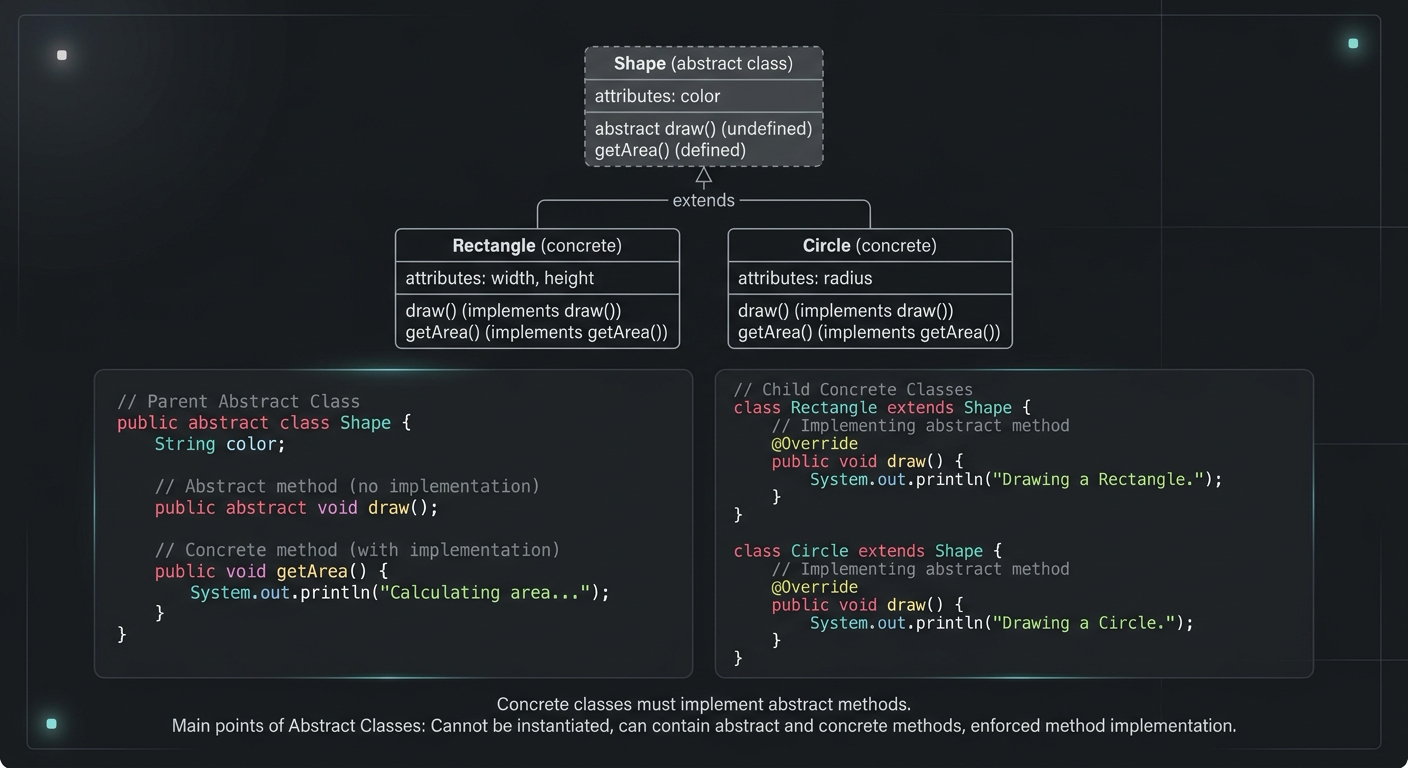
Abstract Class in Java (With Real-World Examples)
Abstract classes in Java are one of the most misunderstood OOP concepts. Here's a practical guide with real-world examples, code you can actually use, and the mistakes most devs make.
Your Career Transformation Starts Now
Join thousands of developers mastering in-demand skills with Amigoscode. Try it free today.