For Loop in Java: Every Variation Explained
backend
9 min read
For Loop in Java: Every Variation Explained
Master every for loop variation in Java - from the classic counter loop to enhanced for-each, nested loops, labeled breaks, and when streams beat them all.

Published By: Nelson Djalo | Date: April 8, 2026
If you write Java for a living, you will type for more times than your own name. It is the workhorse of the language, and yet most developers only ever use one or two flavors of it. There are at least four, plus a handful of tricks that will save you from bugs you did not know existed.
This post walks through every variation, the gotchas that bite juniors (and seniors having a bad day), and when you should ditch the loop entirely for a stream.
Table of Contents
- The Classic For Loop
- Looping with an Int Counter
- The Enhanced For Loop (For-Each)
- Nested For Loops
- Loop Control: Break and Continue
- Labeled Break and Continue
- Common Pitfalls
- Stream vs For Loop
- Performance Comparison
- Wrapping Up
- FAQ
The Classic For Loop
The standard for loop has three parts inside the parentheses, separated by semicolons - initialization, condition, and update.
for (int i = 0; i < 5; i++) {
    System.out.println("Iteration: " + i);
}
Read it like this. Start i at zero. Keep going while i is less than five. After each pass, increment i by one. The body runs five times, printing zero through four.
You can run it backwards just as easily, and you can step by any amount you want.
for (int i = 10; i > 0; i -= 2) {
    System.out.println(i); // prints 10, 8, 6, 4, 2
}
All three parts are technically optional. for (;;) { } is a valid infinite loop, though while (true) reads better. You can also declare multiple variables in the init block if you really need to.
for (int i = 0, j = 10; i < j; i++, j--) {
    System.out.println(i + " " + j);
}
Looping with an Int Counter
The counter pattern is what you reach for when you need the index itself - not just the values in a collection. Building a multiplication table is a classic example.
for (int i = 1; i <= 10; i++) {
    System.out.println("5 x " + i + " = " + (5 * i));
}
You also need a counter when you want to access an array by position, modify the array as you go, or skip every other element. If you only need the values themselves, the enhanced for loop below is cleaner.
The Enhanced For Loop (For-Each)
Java 5 added a shorter syntax for iterating over arrays and collections. It is called the enhanced for loop, or for-each, and it is the right choice 80% of the time.
String[] languages = {"Java", "Kotlin", "Scala", "Groovy"};

for (String lang : languages) {
    System.out.println(lang);
}
Read the colon as "in". For each String lang in languages, do this. No index, no off-by-one mistakes, no manual increment. It works on anything that implements Iterable, which means List, Set, Queue, and most collection types you will ever touch.
List<Integer> scores = List.of(85, 92, 78, 96, 88);
int total = 0;

for (int score : scores) {
    total += score;
}

System.out.println("Average: " + total / scores.size());
The trade-off is that you lose access to the index. If you need to know whether you are on element three or element seven, you have to fall back to the classic form or maintain your own counter variable. For more on working with strings inside loops, our Java String Methods guide covers the manipulation patterns you will use most.
Nested For Loops
A nested loop is just a loop inside another loop. The inner one runs from start to finish for every single pass of the outer one. This is how you walk through a 2D array, build a grid, or compare every element to every other element.
int[][] grid = {
    {1, 2, 3},
    {4, 5, 6},
    {7, 8, 9}
};

for (int row = 0; row < grid.length; row++) {
    for (int col = 0; col < grid[row].length; col++) {
        System.out.print(grid[row][col] + " ");
    }
    System.out.println();
}
Be careful with nesting. Two nested loops over the same collection of size N give you N squared operations. Three loops give you N cubed. With ten thousand items, that is a billion operations and your app freezes. Always ask yourself if there is a smarter way before you add a third level of nesting.
Loop Control: Break and Continue
Sometimes you want to bail out early. break exits the innermost loop immediately. continue skips the rest of the current iteration and jumps to the next one.
// Find the first negative number
int[] numbers = {4, 7, 2, -3, 9, -1};

for (int n : numbers) {
    if (n < 0) {
        System.out.println("Found: " + n);
        break;
    }
}
continue is useful when you want to filter as you iterate.
// Sum only even numbers
int sum = 0;
for (int i = 1; i <= 10; i++) {
    if (i % 2 != 0) {
        continue;
    }
    sum += i;
}
System.out.println(sum); // 30
Both keywords work in any loop type - classic, enhanced, while, or do-while.
Labeled Break and Continue
Here is the trick most developers do not know. When you have nested loops and you want break to exit more than just the innermost one, you can use a label.
outer:
for (int i = 0; i < 5; i++) {
    for (int j = 0; j < 5; j++) {
        if (i * j > 6) {
            System.out.println("Stopping at " + i + "," + j);
            break outer;
        }
    }
}
The label is just an identifier followed by a colon, placed right before the loop. break outer exits both loops at once. continue outer jumps to the next iteration of the outer loop, skipping whatever was left in the inner one.
Use this sparingly. If you find yourself reaching for labels often, your method is probably doing too much and needs to be split up.
Common Pitfalls
Off-by-one errors. The most famous bug in programming. i <= array.length will throw an ArrayIndexOutOfBoundsException because arrays are zero-indexed. Always use i < array.length.
Infinite loops. Forget to update your counter, or use the wrong comparison, and your CPU pegs at 100%.
// Bug - i never changes
for (int i = 0; i < 10; ) {
    System.out.println(i);
}
Modifying a collection while iterating. This will throw a ConcurrentModificationException faster than you can blink.
List<String> items = new ArrayList<>(List.of("a", "b", "c"));
for (String item : items) {
    if (item.equals("b")) {
        items.remove(item); // boom
    }
}
The fix is to use an Iterator directly and call iterator.remove(), or collect the items to remove first and delete them after the loop ends. Better yet, use removeIf and skip the loop entirely.
items.removeIf(item -> item.equals("b"));Stream vs For Loop
Java 8 introduced streams, and ever since, developers have argued about whether to use them or stick with loops. The honest answer is that both have their place.
Use a stream when you are filtering, mapping, or reducing data. The intent is clearer, and the chain reads top to bottom.
// Stream version
int sum = scores.stream()
    .filter(s -> s >= 80)
    .mapToInt(Integer::intValue)
    .sum();
Use a for loop when you need an index, when you need to break early in complex ways, when you are mutating external state, or when you want maximum performance on a hot path.
// For loop version
int sum = 0;
for (int s : scores) {
    if (s >= 80) sum += s;
}
Performance Comparison
Classic for loops and enhanced for loops compile to nearly identical bytecode for arrays. For lists, the enhanced loop creates an iterator behind the scenes, which adds a tiny bit of overhead - we are talking nanoseconds per iteration. You will not notice it unless you are running hundreds of millions of iterations.
Streams have higher overhead per call than loops, but the JIT compiler optimizes them aggressively. For sequential streams over large collections, the difference is usually negligible. Parallel streams can outperform loops on truly large datasets - think tens of thousands of elements with non-trivial work per item - but they add complexity and are easy to misuse.
The rule is simple. Write the version that reads best. If a profiler tells you the loop is the bottleneck, then optimize. Premature optimization in loop choice is one of the most common time-wasters in Java code.
Wrapping Up
The for loop has been in Java since day one and it is not going anywhere. Knowing when to use a counter, when to use for-each, when to nest, and when to drop down to a stream is the difference between code that works and code that scales.
Want to build a real foundation in Java from scratch? Start with Java for Beginners, or jump straight into the deep end with Java Master Class. Once you are confident with the language, the Spring Boot Roadmap is your next step toward backend mastery.
FAQ
What is the difference between a for loop and a while loop in Java? A for loop bundles initialization, condition, and update into one line, which makes counting loops cleaner. A while loop only takes a condition, which makes it better for loops where you do not know the iteration count ahead of time, like reading until the end of a file.
Can I use a for loop without a counter?
Yes. The enhanced for loop (for (Type item : collection)) does not use an explicit counter. You can also write for (;;) { } for an infinite loop, though while (true) reads better.
Is a for-each loop slower than a regular for loop? For arrays, no - they compile to nearly the same bytecode. For lists, the for-each loop uses an iterator which adds tiny overhead measured in nanoseconds. In practice it does not matter unless you are in a very tight performance-critical path.
How do I break out of nested loops in Java?
Use a labeled break. Put a label like outer: before the outer loop, then write break outer; inside the inner loop. This exits both loops at once instead of just the inner one.
Should I use streams instead of for loops? Use streams when you are transforming or filtering data and the intent reads more clearly as a chain. Use for loops when you need an index, complex break logic, or when you are mutating external state. Neither is universally better - pick the one that makes the code easier to read.
Related Articles

9 Books That Made Me a Better Software Engineer (Not the Usual List)
Skip the generic recommendations. These 9 books changed how I write code, lead teams, and think about systems - from Clean Code to books most devs haven't heard of.

How to Become a Java Full Stack Developer in 2025 (Step-by-Step)
The exact skills, tools, and learning order to go from zero to hired as a Java full stack developer. Covers Spring Boot, React, databases, Docker, and what employers actually look for.
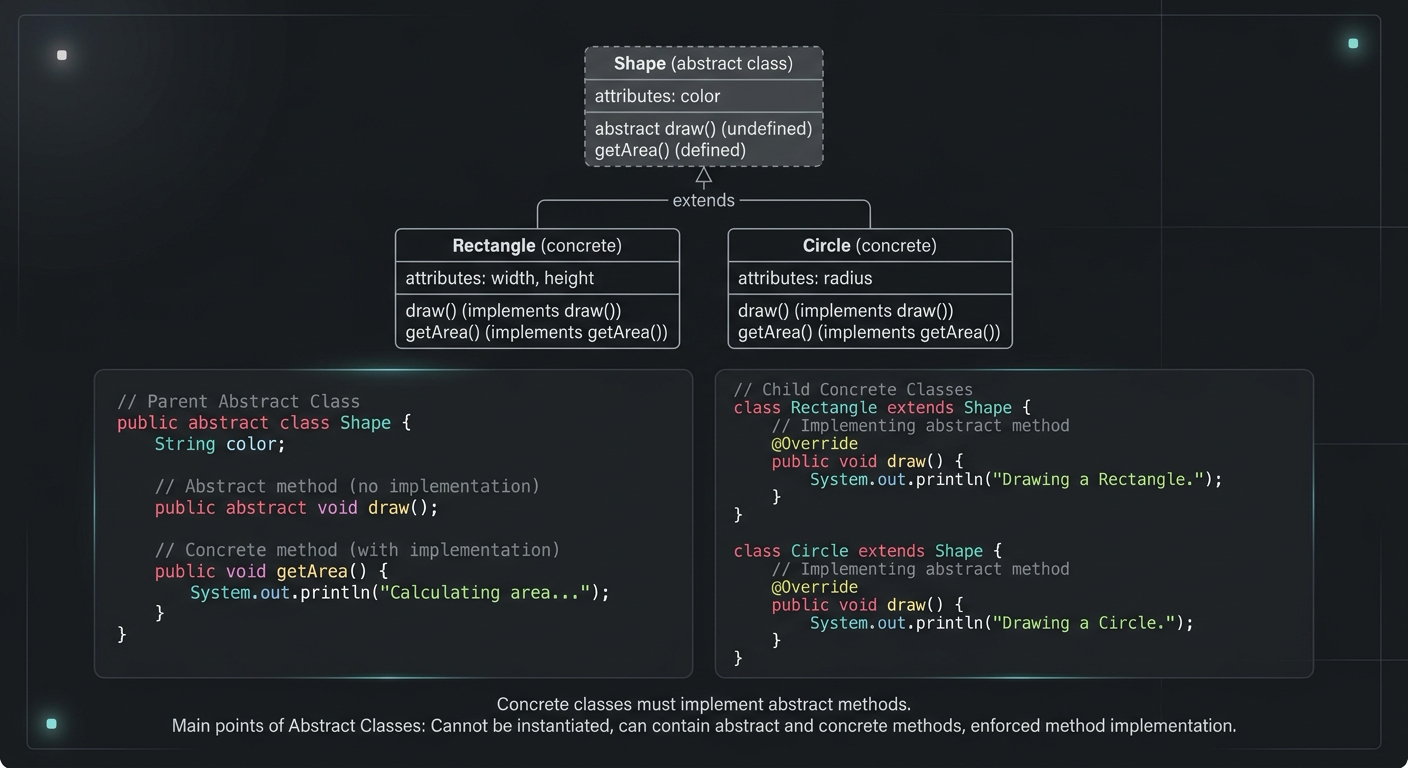
Abstract Class in Java (With Real-World Examples)
Abstract classes in Java are one of the most misunderstood OOP concepts. Here's a practical guide with real-world examples, code you can actually use, and the mistakes most devs make.
Your Career Transformation Starts Now
Join thousands of developers mastering in-demand skills with Amigoscode. Try it free today.