Try Catch in Java: Error Handling Done Right
backend
10 min read
Try Catch in Java: Error Handling Done Right
Stop letting exceptions crash your Java apps. Learn try catch the right way - with specific catches, finally, try-with-resources, and custom exceptions that actually help you debug.
Published By: Nelson Djalo | Date: April 9, 2026
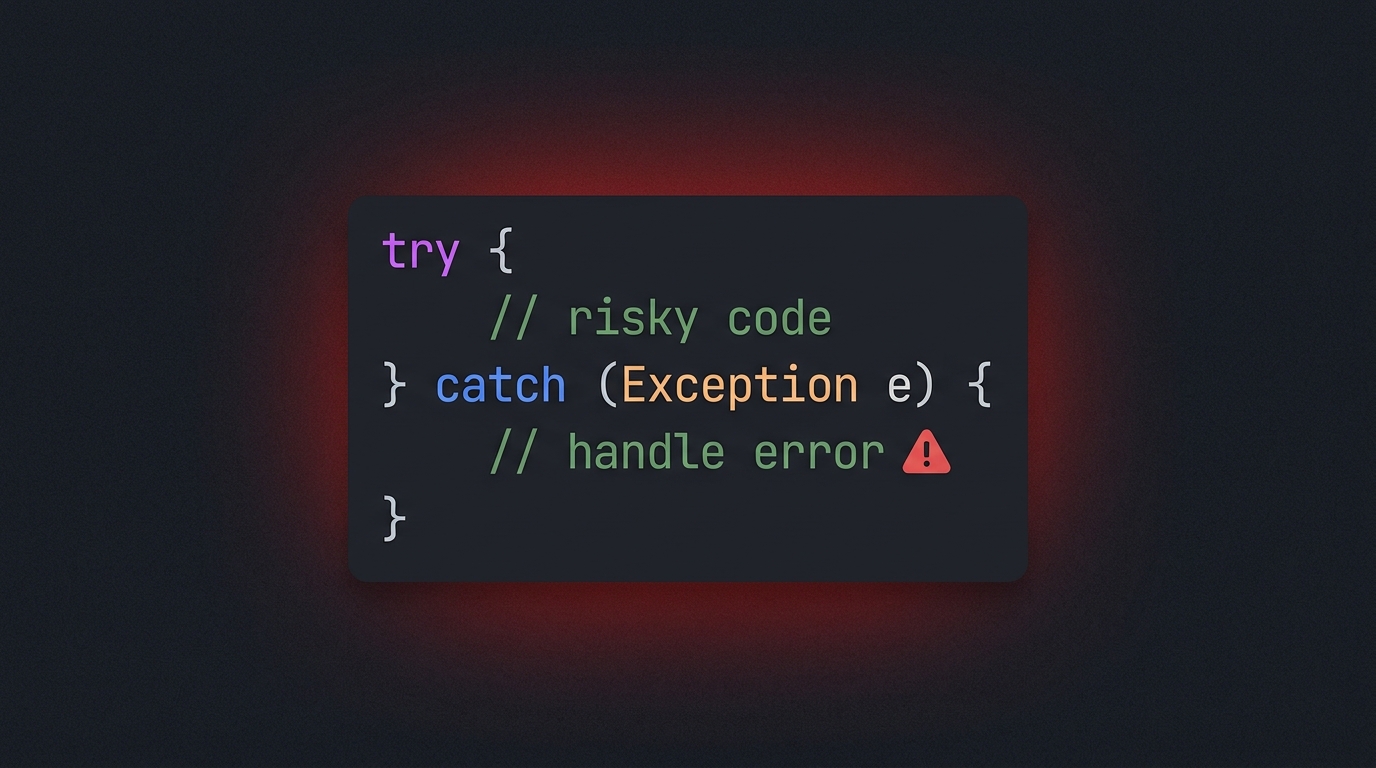
Most Java bugs in production trace back to one thing - someone wrapping every line in try { } catch (Exception e) { } and calling it a day. That is not error handling. That is error hiding. If you want code that fails gracefully and tells you exactly what went wrong, you need to treat try catch like a tool, not a panic button.
This post walks through everything you need to know about try catch in Java, from the basic syntax to custom exceptions and try-with-resources. By the end, you will write error handling code that your future self will actually thank you for.
Table of Contents
- What is Exception Handling in Java?
- Basic Try Catch Syntax
- Multiple Catch Blocks
- Multi-Catch: One Block, Multiple Exceptions
- The Finally Block
- Try-With-Resources
- Nested Try Catch
- Re-Throwing Exceptions
- Custom Exceptions
- Checked vs Unchecked Exceptions
- Best Practices for Try Catch
- FAQ
- Wrapping Up
What is Exception Handling in Java?
An exception is an event that disrupts the normal flow of your program. Maybe a file does not exist, maybe a network call times out, maybe a user passes null where they should not. Java forces you to deal with these situations through its exception handling system, and try catch is the main way you do it.
The idea is simple - wrap code that might fail in a try block, and define what happens if it fails in a catch block. The JVM throws an exception object, your catch block receives it, and your program keeps running instead of crashing.
If you are brand new to Java, start with Java for Beginners before going deep here. The rest of this post assumes you already know what a class and a method are.
Basic Try Catch Syntax
Here is the simplest possible example. We try to parse a string into an integer, and catch the NumberFormatException if the string is not a valid number.
public class BasicTryCatch {
    public static void main(String[] args) {
        String input = "not a number";

        try {
            int number = Integer.parseInt(input);
            System.out.println("Parsed: " + number);
        } catch (NumberFormatException e) {
            System.out.println("Could not parse: " + e.getMessage());
        }

        System.out.println("Program continues");
    }
}
Without the try catch, that parseInt call would crash the program. With it, we handle the failure and keep going. Notice that we catch the specific exception type - NumberFormatException - not the generic Exception. That matters, and we will get to why in a moment.
Multiple Catch Blocks
Sometimes a single try block can throw different kinds of exceptions, and you want to handle each one differently. Stack multiple catch blocks after the try, and Java will pick the first one that matches.
public class MultipleCatches {
    public static void main(String[] args) {
        try {
            String data = null;
            int length = data.length();
            int parsed = Integer.parseInt("abc");
        } catch (NullPointerException e) {
            System.out.println("Data was null - check your inputs");
        } catch (NumberFormatException e) {
            System.out.println("Invalid number format");
        } catch (Exception e) {
            System.out.println("Something else broke: " + e.getMessage());
        }
    }
}
Order matters here. Java checks catch blocks top to bottom, so always put the most specific exceptions first and the broadest ones last. If you put catch (Exception e) at the top, it would swallow everything and the other catches would never run - the compiler will actually stop you from doing that.
Multi-Catch: One Block, Multiple Exceptions
Since Java 7, you can combine multiple exception types in one catch block using the pipe | operator. This is perfect when the handling logic is identical for several exception types.
public class MultiCatch {
    public static void main(String[] args) {
        try {
            riskyOperation();
        } catch (NullPointerException | NumberFormatException | IllegalArgumentException e) {
            System.out.println("Input problem: " + e.getClass().getSimpleName());
            // log and move on
        }
    }

    static void riskyOperation() {
        throw new IllegalArgumentException("bad arg");
    }
}
One thing to know - inside a multi-catch, the e variable is effectively final. You cannot reassign it. Also, the exception types in a multi-catch cannot be subclasses of each other, because that would make one of them redundant.
The Finally Block
The finally block runs no matter what happens in the try or catch. It runs if the try succeeds, if an exception is caught, and even if an exception is thrown that no catch block handles. The only things that stop finally from running are System.exit(0) or the JVM crashing.
public class FinallyExample {
    public static void main(String[] args) {
        try {
            System.out.println("Doing risky work");
            throw new RuntimeException("boom");
        } catch (RuntimeException e) {
            System.out.println("Caught: " + e.getMessage());
        } finally {
            System.out.println("This always runs - cleanup time");
        }
    }
}
Finally used to be the go-to spot for closing files, database connections, and other resources. You would open the resource in the try, and close it in the finally to make sure it got released even if something went wrong. These days, you usually do not need finally for cleanup because of try-with-resources.
Try-With-Resources
Introduced in Java 7, try-with-resources automatically closes anything that implements AutoCloseable. You declare the resource inside parentheses after try, and Java handles closing it for you - even if an exception is thrown.
import java.io.BufferedReader;
import java.io.FileReader;
import java.io.IOException;

public class TryWithResources {
    public static void main(String[] args) {
        try (BufferedReader reader = new BufferedReader(new FileReader("data.txt"))) {
            String line;
            while ((line = reader.readLine()) != null) {
                System.out.println(line);
            }
        } catch (IOException e) {
            System.out.println("File error: " + e.getMessage());
        }
    }
}
No finally block, no manual close call, no leaks if an exception jumps out mid-read. This is the preferred way to handle files, sockets, and database connections in modern Java. You can even declare multiple resources separated by semicolons, and Java closes them in reverse order of declaration.
Nested Try Catch
You can put a try catch inside another try catch. This is useful when a cleanup operation itself might throw, or when you want to handle a specific sub-operation without aborting the outer block.
public class NestedTryCatch {
    public static void main(String[] args) {
        try {
            System.out.println("Outer try");
            try {
                int[] arr = new int[3];
                arr[10] = 1;
            } catch (ArrayIndexOutOfBoundsException e) {
                System.out.println("Inner caught array error");
            }
            System.out.println("Outer continues");
        } catch (Exception e) {
            System.out.println("Outer caught: " + e.getMessage());
        }
    }
}
Do not overdo it. Deeply nested try catches are a smell - usually you can flatten them by extracting methods or restructuring the logic.
Re-Throwing Exceptions
Sometimes you catch an exception just to add context, log it, or wrap it in a different exception type, and then you want it to keep propagating. That is re-throwing.
public class ReThrow {
    public static void loadUser(String id) {
        try {
            // pretend this talks to a database
            throw new RuntimeException("connection refused");
        } catch (RuntimeException e) {
            throw new IllegalStateException("Failed to load user " + id, e);
        }
    }
}
Notice the second argument to the new exception - that is the original exception, and it becomes the "cause" in the stack trace. Always preserve the cause when wrapping. Losing the original stack trace is one of the worst debugging crimes you can commit.
Custom Exceptions
Java ships with plenty of exception classes, but sometimes you need your own. Custom exceptions make your code self-documenting and let callers catch exactly what they care about.
public class UserNotFoundException extends RuntimeException {
    private final String userId;

    public UserNotFoundException(String userId) {
        super("User not found: " + userId);
        this.userId = userId;
    }

    public String getUserId() {
        return userId;
    }
}
Extend RuntimeException for unchecked exceptions (which is usually what you want in modern Java) or Exception for checked ones. Add fields and constructors that carry the context you will need to debug the problem later.
For more deep Java patterns like this, the Java Master Class walks through exception design in real-world codebases.
Checked vs Unchecked Exceptions
Java has two kinds of exceptions. Checked exceptions extend Exception (but not RuntimeException) and must be either caught or declared with throws. The compiler forces you to deal with them. IOException and SQLException are classic examples.
Unchecked exceptions extend RuntimeException and do not require handling. NullPointerException, IllegalArgumentException, and IndexOutOfBoundsException are all unchecked. The compiler leaves them alone.
// Checked - compiler forces you to handle or declare it
public void readFile() throws IOException {
    new FileReader("data.txt");
}

// Unchecked - compiles fine without any try catch
public void divide(int a, int b) {
    int result = a / b; // might throw ArithmeticException
}
The modern consensus is that checked exceptions are usually more trouble than they are worth, especially in layered applications where they force every method in the chain to declare them. Most new Java frameworks lean heavily on runtime exceptions.
Best Practices for Try Catch
After all the syntax, here is what actually matters when you write exception handling in real code:
Catch specific exceptions. Never catch Exception or Throwable unless you are at the very top of your application (like a global error handler). Catching everything hides bugs and makes debugging miserable.
Do not swallow exceptions. An empty catch block is almost always wrong. At minimum, log the exception with its full stack trace. Silent failures are the reason production systems mysteriously break at 3am.
Log properly. Use a real logger like SLF4J or Logback, and log the exception object itself (not just the message) so the stack trace gets captured. log.error("Failed to process order", e) is infinitely more useful than log.error(e.getMessage()).
Fail fast on programmer errors. If something should never happen (like a null where null is impossible), let the NullPointerException propagate. Catching it just to "be safe" makes real bugs invisible.
Use try-with-resources for anything AutoCloseable. Files, streams, JDBC connections - all of it. Manual close calls in finally blocks are legacy code.
Wrap low-level exceptions at layer boundaries. A repository that catches SQLException and throws DataAccessException is easier to use than one that leaks JDBC types everywhere. Spring does this for you automatically.
If you want to see these patterns applied in a real backend, the Spring Boot Roadmap covers how error handling fits into production Spring applications. You might also like our deep dive on the Static Keyword in Java for another core Java fundamental.
FAQ
Can I have a try block without a catch? Yes, as long as you have a finally block or you are using try-with-resources. A plain try with nothing after it will not compile.
What happens if the catch block itself throws an exception? The new exception replaces the original and propagates up. The finally block, if present, still runs. If the finally block also throws, that one wins. This is why you should keep catch and finally blocks simple.
Is it bad to catch RuntimeException?
Not always, but usually yes. Catching RuntimeException at a low level tends to mask programmer bugs. Catch it at the top of your application (global error handler, controller advice, main loop) and let specific exceptions bubble up everywhere else.
Should I use checked or unchecked exceptions in my own code?
Unchecked is the modern default. Checked exceptions force every caller to handle or declare them, which pollutes APIs and usually ends in people wrapping things in RuntimeException anyway. Use checked exceptions only when the caller can genuinely recover from the failure.
Does a return statement in finally override the try block?
Yes, and it is a terrible idea. A return inside finally will override any return or exception from the try block and silently swallow exceptions. Never return from a finally block.
Wrapping Up
Try catch is not about making errors disappear - it is about handling them on purpose. Catch specific exceptions, log them with context, clean up with try-with-resources, and let unrecoverable bugs fail loud.
Ready to build real Java skills from the ground up? Jump into Java for Beginners and start writing code that handles failure like a pro.
Related Articles
9 Books That Made Me a Better Software Engineer (Not the Usual List)
Skip the generic recommendations. These 9 books changed how I write code, lead teams, and think about systems - from Clean Code to books most devs haven't heard of.

How to Become a Java Full Stack Developer in 2025 (Step-by-Step)
The exact skills, tools, and learning order to go from zero to hired as a Java full stack developer. Covers Spring Boot, React, databases, Docker, and what employers actually look for.
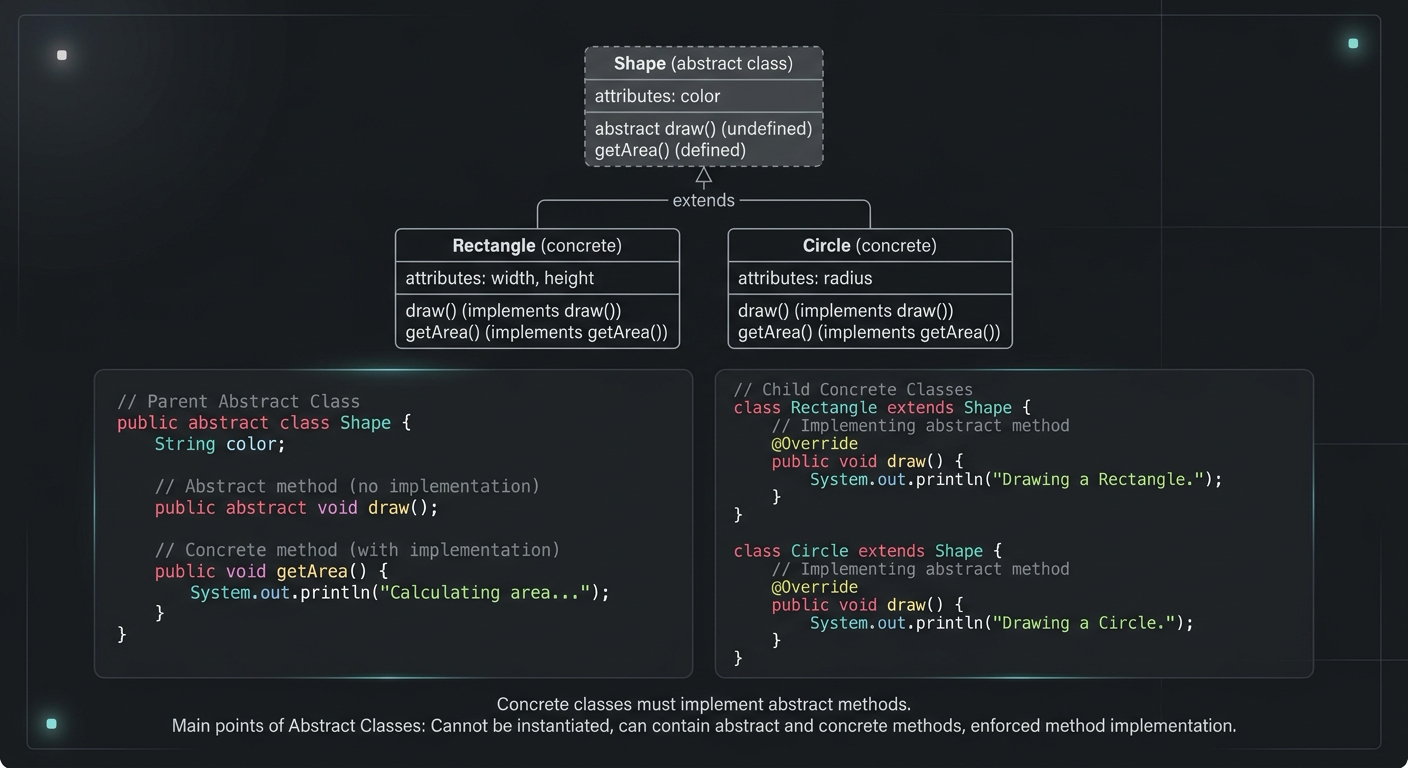
Abstract Class in Java (With Real-World Examples)
Abstract classes in Java are one of the most misunderstood OOP concepts. Here's a practical guide with real-world examples, code you can actually use, and the mistakes most devs make.
Your Career Transformation Starts Now
Join thousands of developers mastering in-demand skills with Amigoscode. Try it free today.