Switch Case in Java: Syntax, Examples, and Pattern Matching
backend
9 min read
Switch Case in Java: Syntax, Examples, and Pattern Matching
Master the switch case in Java from classic syntax to modern switch expressions and pattern matching. Real examples, common traps, and the cleaner way to handle branching logic.

Published By: Nelson Djalo | Date: April 7, 2026
If your code looks like a tower of if-else if-else if statements, you are writing Java the hard way. The switch case in Java was built for exactly this kind of branching logic, and since Java 14 it has quietly become one of the most powerful features in the language. Pattern matching, sealed classes, arrow syntax - it all flows through switch now.
This post walks you through the classic syntax, the modern expressions, and the pattern matching upgrades from Java 21. You will see the traps that catch beginners and the patterns that senior devs reach for daily.
Table of Contents
- The Classic Switch Statement
- Why Fall Through Is Dangerous
- Multiple Case Labels
- Switch Works With More Than Just Ints
- Modern Switch Expressions (Java 14+)
- The yield Keyword
- Pattern Matching for Switch (Java 21+)
- Sealed Classes With Switch
- Common Switch Mistakes
- FAQ
- Wrapping Up
The Classic Switch Statement
The original switch statement has been in Java since day one. It compares a single value against a list of constants and runs the matching block.
int day = 3;
String name;

switch (day) {
    case 1:
        name = "Monday";
        break;
    case 2:
        name = "Tuesday";
        break;
    case 3:
        name = "Wednesday";
        break;
    default:
        name = "Unknown";
        break;
}

System.out.println(name); // Wednesday
The structure is simple. You give switch a value, then list case labels for the values you want to handle. The default label catches anything you did not explicitly match. Think of it as the else of the switch world.
Why Fall Through Is Dangerous
Notice every case above ends with break. That is not optional - leave it out and Java will keep running the next case block, and the next, until it hits a break or the end of the switch. This is called fall through.
int day = 1;

switch (day) {
    case 1:
        System.out.println("Monday");
        // No break - falls through!
    case 2:
        System.out.println("Tuesday");
        break;
    case 3:
        System.out.println("Wednesday");
        break;
}

// Output:
// Monday
// Tuesday
That is almost never what you want. Forgetting break is one of the most common bugs in classic switch statements, and one of the main reasons modern Java introduced switch expressions (more on that in a moment).
Multiple Case Labels
Sometimes you want several values to trigger the same block. You can stack case labels on top of each other.
int month = 4;
String season;

switch (month) {
    case 12:
    case 1:
    case 2:
        season = "Winter";
        break;
    case 3:
    case 4:
    case 5:
        season = "Spring";
        break;
    case 6:
    case 7:
    case 8:
        season = "Summer";
        break;
    default:
        season = "Autumn";
}
This is the one place where intentional fall through is useful. Each empty case just falls into the next one until it hits the actual code block.
Switch Works With More Than Just Ints
A common misconception is that switch only handles integers. It actually supports int, byte, short, char, String, and any enum type. Strings were added in Java 7 and changed how often people reach for switch.
String role = "ADMIN";

switch (role) {
    case "ADMIN":
        System.out.println("Full access");
        break;
    case "EDITOR":
        System.out.println("Edit access");
        break;
    case "VIEWER":
        System.out.println("Read only");
        break;
    default:
        System.out.println("No access");
}
Enums work even better because the compiler can warn you when you forget a case. If you are still learning the basics of types and references, the Java for Beginners course covers this from the ground up.
enum Status { ACTIVE, INACTIVE, BANNED }

Status status = Status.ACTIVE;

switch (status) {
    case ACTIVE:
        System.out.println("User is active");
        break;
    case INACTIVE:
        System.out.println("User is inactive");
        break;
    case BANNED:
        System.out.println("User is banned");
        break;
}
Notice you do not need Status.ACTIVE inside the case - just ACTIVE. Java infers the enum type from the switch variable.
Modern Switch Expressions (Java 14+)
Here is where things get interesting. Java 14 made switch an expression, meaning it can return a value directly. No more declaring a variable above the switch and assigning to it inside every case.
int day = 3;

String name = switch (day) {
    case 1 -> "Monday";
    case 2 -> "Tuesday";
    case 3 -> "Wednesday";
    case 4 -> "Thursday";
    case 5 -> "Friday";
    default -> "Weekend";
};

System.out.println(name); // Wednesday
Three things changed. First, the arrow -> replaces the colon. Second, there is no break - each arrow case runs only its own block, no fall through. Third, the whole switch returns a value you can assign to a variable.
You can also group multiple values on one line with commas instead of stacking case labels.
String season = switch (month) {
    case 12, 1, 2 -> "Winter";
    case 3, 4, 5 -> "Spring";
    case 6, 7, 8 -> "Summer";
    default -> "Autumn";
};
This is the style you should reach for in modern Java. It is shorter, safer, and reads like a lookup table.
The yield Keyword
What if a case needs to do more than return a single expression? You can use a block with the yield keyword to return a value from it.
int code = 2;

String message = switch (code) {
    case 1 -> "Quick path";
    case 2 -> {
        System.out.println("Doing some work first...");
        String result = "Computed result";
        yield result;
    }
    case 3 -> "Another quick path";
    default -> "Unknown";
};
yield is to switch expressions what return is to methods. You only need it inside {} blocks - simple arrow cases return their expression directly.
Pattern Matching for Switch (Java 21+)
Java 21 finalized pattern matching for switch, which is a serious upgrade. You can now match on the type of an object and bind it to a variable in one step.
Object value = "Hello";

String result = switch (value) {
    case Integer i -> "Integer with value " + i;
    case String s -> "String of length " + s.length();
    case Long l -> "Long with value " + l;
    case null -> "It is null";
    default -> "Something else";
};
This replaces the old instanceof chains that used to clutter Java code. Notice the null case too - switch expressions can finally handle null without throwing a NullPointerException.
You can even add guards using when to refine matches.
String describe = switch (value) {
    case Integer i when i < 0 -> "Negative integer";
    case Integer i when i == 0 -> "Zero";
    case Integer i -> "Positive integer: " + i;
    case String s when s.isEmpty() -> "Empty string";
    case String s -> "String: " + s;
    default -> "Other";
};
If you want to go deeper into modern Java features like records, sealed classes, and pattern matching, the Java Master Class covers them with hands on projects.
Sealed Classes With Switch
Pattern matching gets even better when you combine it with sealed classes. A sealed class restricts which classes can extend it, so the compiler knows the full set of subtypes - and switch can verify you handled them all.
sealed interface Shape permits Circle, Square, Triangle {}
record Circle(double radius) implements Shape {}
record Square(double side) implements Shape {}
record Triangle(double base, double height) implements Shape {}

double area(Shape shape) {
    return switch (shape) {
        case Circle c -> Math.PI * c.radius() * c.radius();
        case Square s -> s.side() * s.side();
        case Triangle t -> 0.5 * t.base() * t.height();
    };
}
No default clause needed. The compiler knows Shape can only be Circle, Square, or Triangle, so it confirms exhaustiveness for you. Add a new shape and forget to update the switch? You get a compile error, not a runtime surprise.
This pattern is huge for domain modeling and is one of the reasons modern Java feels so different from Java 8. It pairs nicely with concepts you will see in the 'this' Keyword in Java post when working with object hierarchies.
Common Switch Mistakes
A few traps to watch for:
Forgetting break in classic switch. Already covered above, but it bears repeating - this is the number one switch bug.
Mixing colon and arrow syntax. You cannot mix old style case X: with new style case X -> in the same switch. Pick one.
Using switch on doubles or longs. The classic switch does not accept double, float, or long. If you need to branch on those, use if-else or convert to a supported type.
Assigning inside switch expressions. A switch expression must return a value through every path. If your default is missing or one branch does not yield, the code will not compile.
Side effects in switch expressions. Switch expressions are best when each case returns cleanly. If you find yourself doing heavy work and using yield, ask whether a regular method would be cleaner.
If you are building real backend systems where this kind of branching matters - routing requests, mapping enums to behaviors, handling event types - check out the Spring Boot Roadmap for a structured path forward.
FAQ
Can switch handle null in Java?
Only in switch expressions from Java 21 onwards. You add case null -> ... to handle it explicitly. Classic switch statements throw a NullPointerException if you pass null.
What is the difference between switch statement and switch expression?
A switch statement runs blocks of code and uses break to stop fall through. A switch expression returns a value, uses arrow syntax, and does not fall through. Expressions are safer and more concise.
Is switch faster than if-else in Java?
For a small number of cases, the difference is negligible. For larger sets the JVM can optimize switch into a jump table, which can be faster than a chain of if-else. Readability should be your main reason to prefer switch.
Can I use switch with custom objects? With pattern matching in Java 21+ yes - you can match on the type of any object. Before Java 21, switch only worked on primitives, strings, and enums.
Do I still need break in switch expressions?
No. Arrow syntax case X -> ... runs only its own block and does not fall through, so break is unnecessary. You only use break in classic switch statements.
Wrapping Up
The switch case in Java has come a long way - from a dangerous fall through statement to a safe, expressive, pattern matching tool. If you are writing Java today, lean on switch expressions, sealed classes, and pattern matching. Your code will be shorter, safer, and easier to read.
Want to lock in these patterns with real projects? Start with the Java for Beginners course and build your way up to modern Java with the Java Master Class.
Related Articles

9 Books That Made Me a Better Software Engineer (Not the Usual List)
Skip the generic recommendations. These 9 books changed how I write code, lead teams, and think about systems - from Clean Code to books most devs haven't heard of.

How to Become a Java Full Stack Developer in 2025 (Step-by-Step)
The exact skills, tools, and learning order to go from zero to hired as a Java full stack developer. Covers Spring Boot, React, databases, Docker, and what employers actually look for.
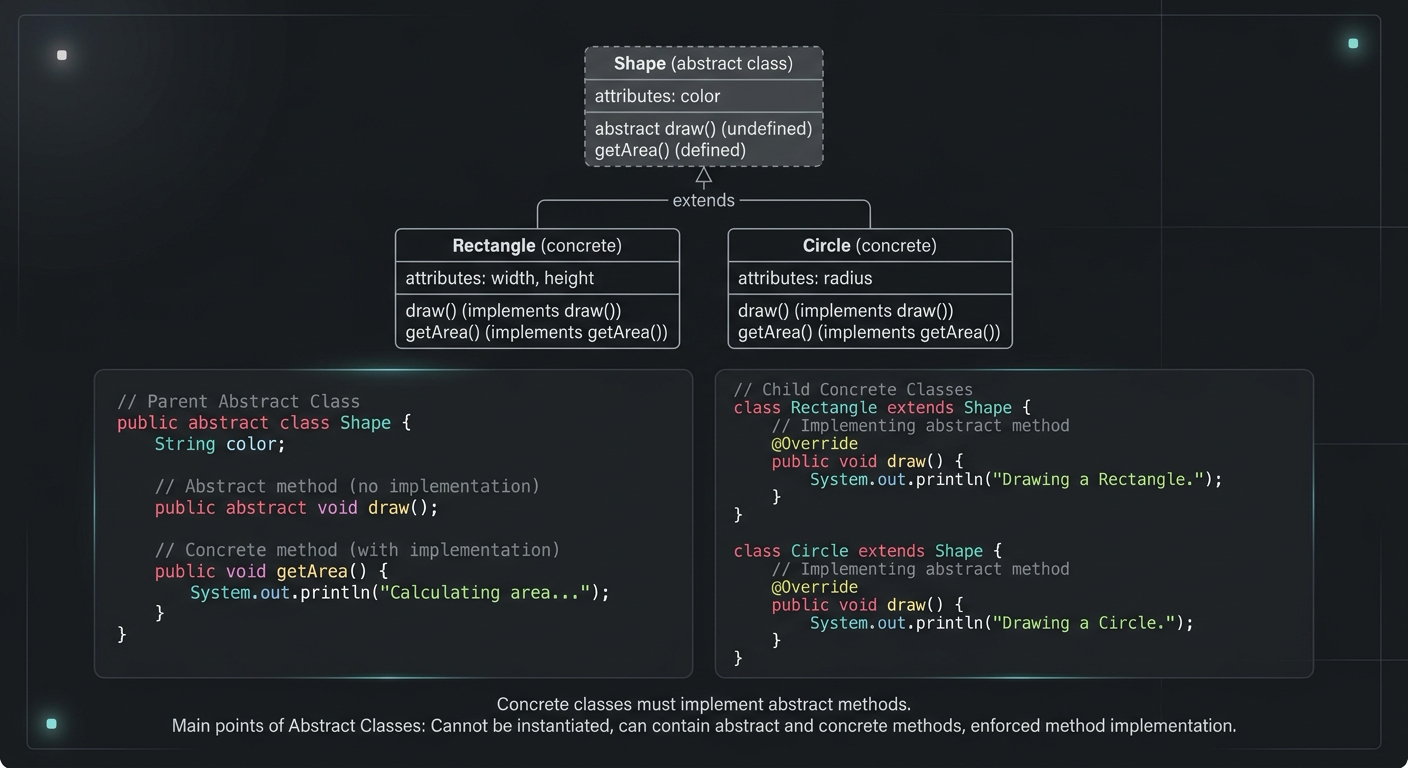
Abstract Class in Java (With Real-World Examples)
Abstract classes in Java are one of the most misunderstood OOP concepts. Here's a practical guide with real-world examples, code you can actually use, and the mistakes most devs make.
Your Career Transformation Starts Now
Join thousands of developers mastering in-demand skills with Amigoscode. Try it free today.